 Proton Mail
 SimpleLogin
Keep #spam out of your main #inbox - follow #NoSpamWeek on
@protonmail to learn how:
https://mastodon.social/@protonmail/110152298808652081.
@protonmail to learn how:
https://mastodon.social/@protonmail/110152298808652081.
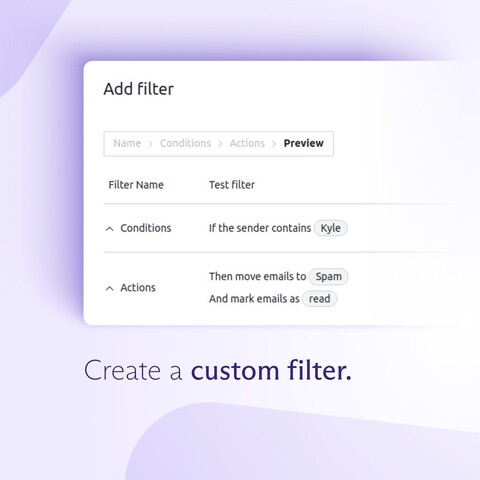
Finally, you can set up your own spam filter, and adjust it to your own needs: https://proton.me/support/email-inbox-filters.
Learn more about spam prevention and ways to reduce it here: https://proton.me/blog/spam-email or check out the #NoSpamWeek hashtag! (4/4)
Once you identify which of your aliases tend to receive spam, you can set up a filter to keep them out of your main inbox: https://proton.me/support/spam-filtering.
Follow #NoSpamWeek for more anti-spam tips!
(5/5)
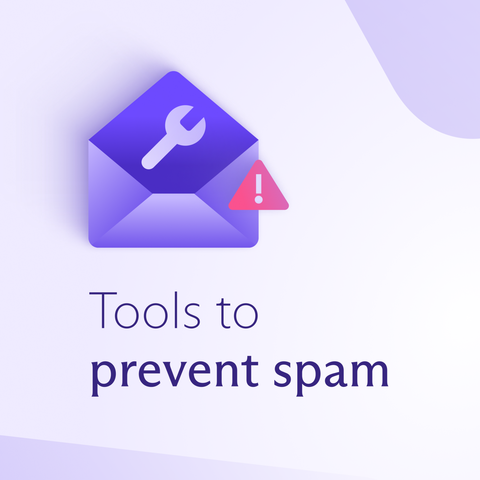
#Spammers will always be around, but there are ways to prevent them from clogging up your #inbox. 🧵👇 (1/5)
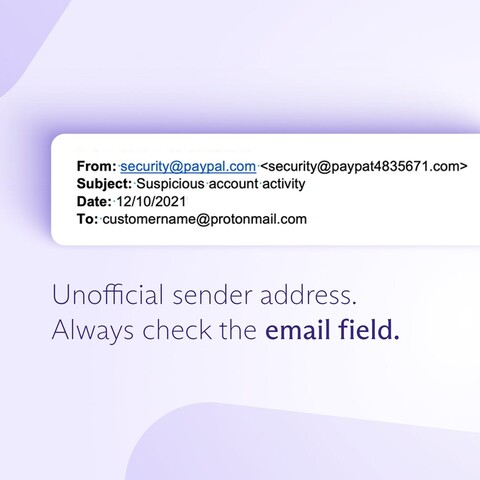
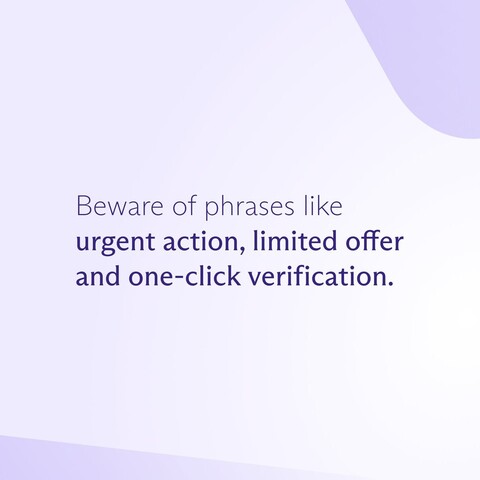
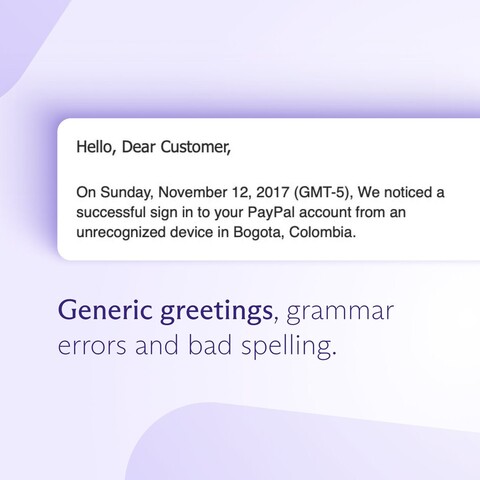
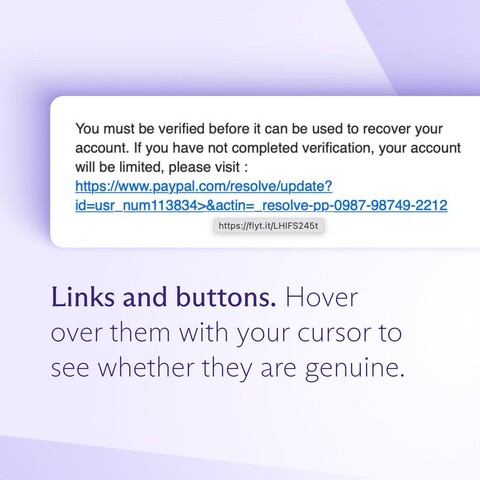
Scroll through the images below to see how you can recognize #scamemails, or learn more here: https://proton.me/blog/spam-email and here: https://proton.me/blog/what-is-phishing.
Follow the #NoSpamWeek hashtag for more anti-spam tips! (2/2)
Do you do #inbox #springcleaning? Start using #SimpleLogin and disable/delete every alias if it starts receiving #spam. Next spring, your cleaning will take care of itself:
https://twitter.com/LiberlandHacker/status/1637320911966593028?s=20
Make sure to check #NoSpamWeek on @protonmail for more tips on reducing spam!
Handling #spam is perhaps the biggest annoyance that comes with using #email. Therefore, we decided to do a #NoSpamWeek, during which we’ll share tips with you on how to deal with spam efficiently.
To start off, let’s see how spammers get your email address. 🧵 (1/6)