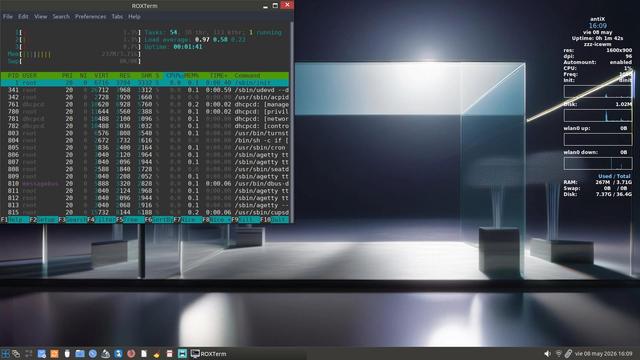
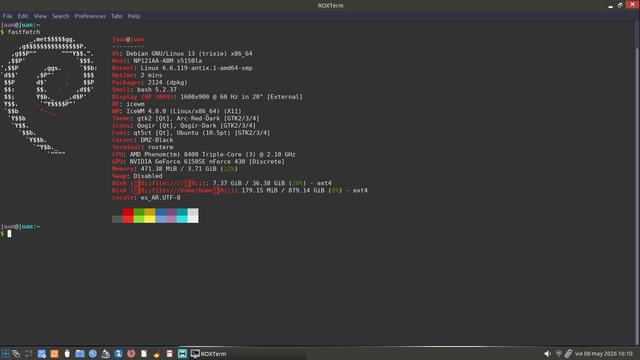
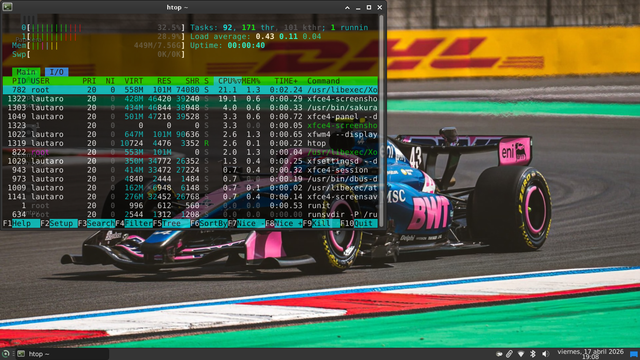
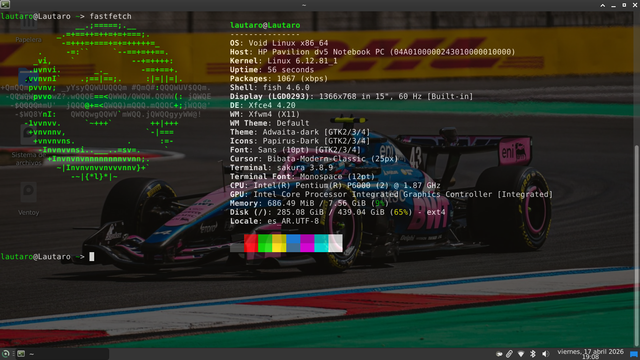
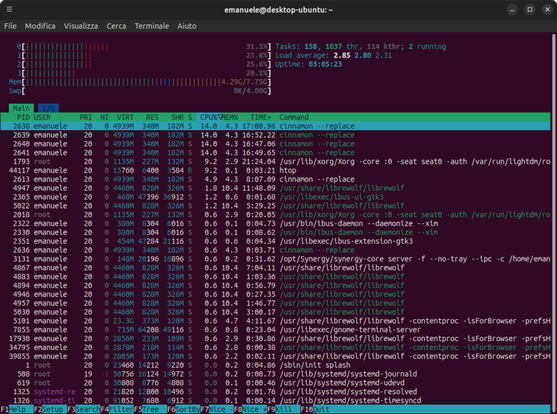
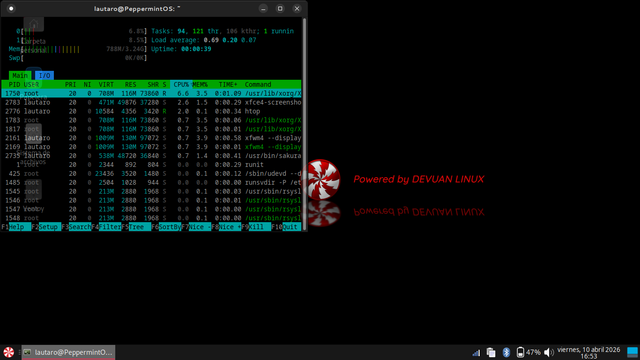
Gkrellm is one of the lightest system monitoring tools that I use, only top and htop are lighter. Of course it's a Natural Choice on not only the SBC Pi5 but on all machines here
#Raspberry #Pi5 #SBC #hardware #programming #gkrellm #top #htop #Linux
Still using top? Try htop better UI, real-time insights, easier control.
Learn it step-by-step 👇
Guten Morgen! ☀️
Wusstest du, dass du mit `htop` nicht nur Prozesse beobachten, sondern sie auch direkt killen kannst? Einfach Prozess markieren, F9 drücken, Signal wählen – zack! 🔫
Manchmal ist das der entspannteste Start in den Tag. Probleme lösen noch vor dem zweiten Kaffee. ☕
Ifoten get told I'm good with #computers I'm not so sure.
Suddenly my computer stops responding. I can move the mouse, but when I click things, nothing happens. I figure I just ran out of memory and waited for the #linux kernel to kill the offending process. Nothing. Reboot. Nothing. Mild panic. Login via terminal, calling #htop. Looks fine. Reboot. Still "stuck". Start crawling through journalctl. Nothing catastrophic is happening here either. Trying to navigate the system by keyboard. That works! What the HELL is going on? Turning on and off the mouse. Connecting the mouse by cable instead of Bluetooth. Still nothing. Say whaaat? Then I give the mouse a good whack, and everything's back to normal.
Folks, don't trust me with your computers.

htop 3.5.0: il monitor di processi interattivo per terminale si aggiorna con nuovi meter e interfaccia migliorata
htop è uno dei tool da terminale più usati su Linux e sistemi Unix-like. Rispetto al classico top, incluso in quasi ogni distribuzione, offre un'interfaccia a colori, navigazione con tastiera e mouse, vista ad albero dei processi e la possibilità di interagire direttamente con i processi in esecuzione senza digitare comandi separati. Il 9 aprile 2025 è stata rilasciata la versione 3.5.0, un aggiornamneto significativo che introduce miglioramenti all'interfaccia, nuovi meter per il […]Just built a home security gateway using a #RaspberryPi and #WireGuard (via ProtonVPN) 🛡️
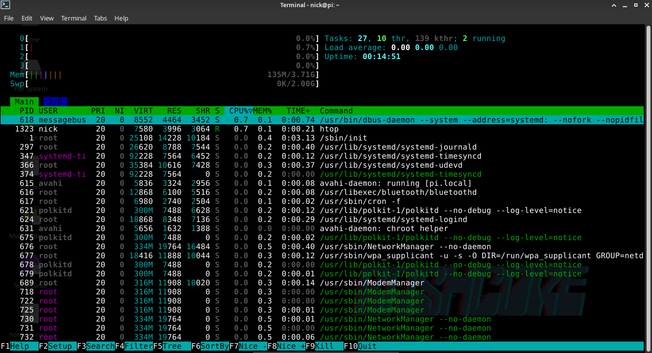
It provides a secure tunnel for all my devices, especially #IoT ones that can't run a VPN. Best part? Efficiency! As you can see in the #htop shot, it’s barely sipping power: only ~135MB of RAM and near 0% CPU. 🚀
I can toggle the VPN to manage remote IoT access while keeping a solid layer of protection. Small, silent, and rock solid.