 Risto A. Paju
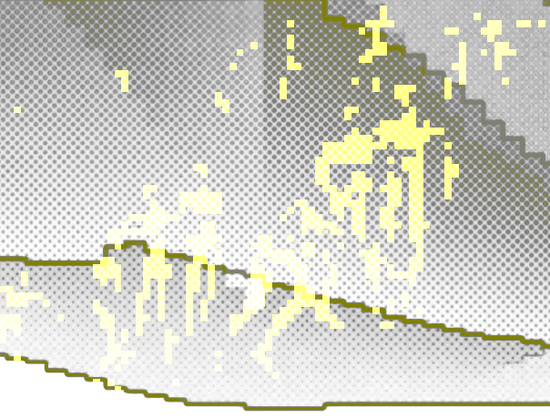
In the last post I introduced the "dual complement" idea for polyhedral graphs. I'm not sure if it has any mathematical significance, but I've made a fun discovery: the dual complement of a spanning tree is another spanning tree.
This result is rather intuitive and I don't have a rigorous proof for it yet, but here are the main supporting ideas. First, a spanning tree over v1 vertices has v1 - 1 edges. We can then show, using basic duality relations and Euler's polyhedral formula, that the dual complement has v2 - 1 edges that connect all of its v2 vertices. The complement doesn't have any cycles, since those would "capture" parts of the original graph, which we know is a single component.
The original polyhedron here is a {3,5+}_2,1 geodesic, so the dual is a Goldberg polyhedron.
No AI, no apps, just my original Python + OpenGL code.
#graphtheory #dualpolyhedron #dualcomplement #spanningtree #geodesicpolyhedron #goldbergpolyhedron #3dgraphics #digitalsculpture #pythoncode #numpy #opengl #creativecodeart #algorithmicart #algorist #mathart #laskutaide #computerart #ittaide #kuavataide #iterati
 illestpreacha