 ander
ander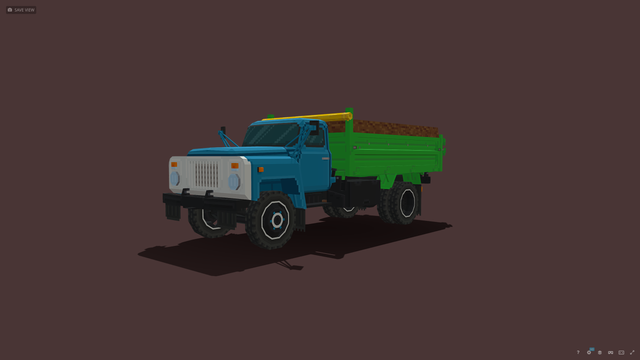
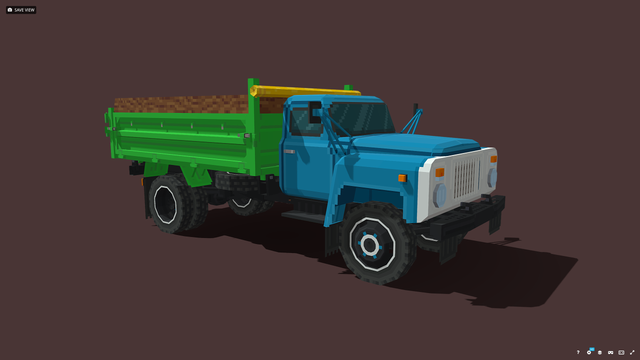
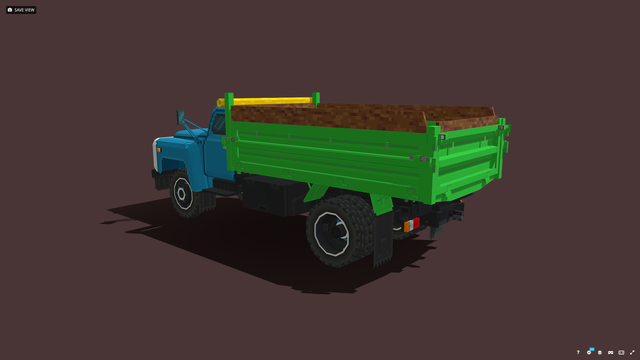
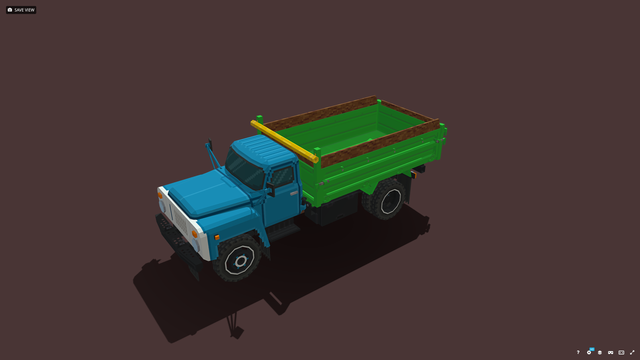
One things that's been causing me headache with #Blockbench for the last hour has been that it seems to be really persistent about sticking to its "16 units per meter" grid.
If I want to make a cube that is 10x10x10 units in size and create a texture that is "64 pixels per meter", it's going to get an 40x40 texture per face.
And the "Edit UV size" window lets me change "Target UV size", which is 32x32 for this cube. What does that even mean?! I can't find an explanation for this term anywhere.
Playing around with #Blockbench for an hour, it's certainly different from what I was starting to get used to with Blender, and I don't like different.
But this really seems like it's what I should have been learning to use from the start. For my goals this seems perfect, with just the functions that I need.
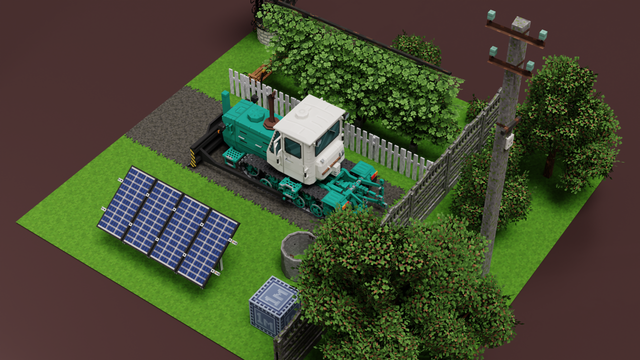
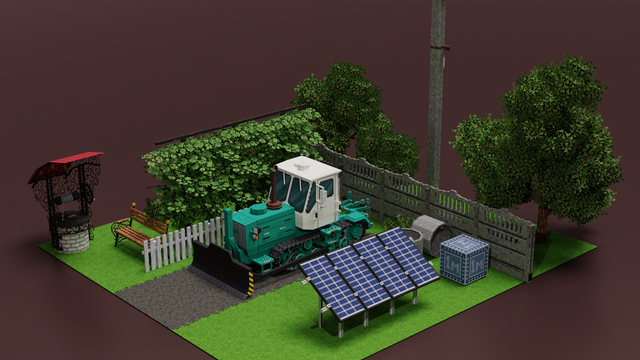
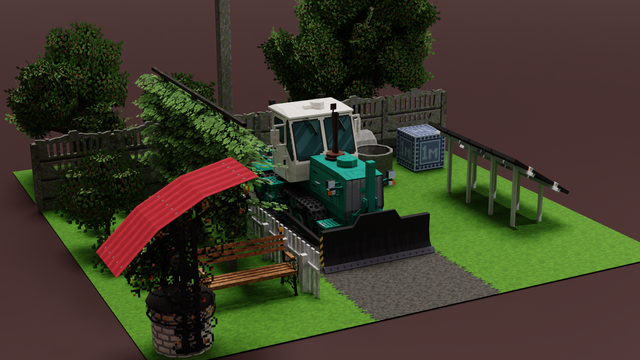
For 9 out of 10 people, #Blockbench is probably not an alternative to #Blender. But for low fidelity, PS1/Quake style #Raw3D models, this not just looks like it could do the job, it actually might even be considerably more accessible. It does modeling, texturing, rigging, and animating for Godot, Unity, and Unreal Engine.
Despite the popularity with block games, it also does cylinders and spheres.
https://www.blockbench.net/gallery
I don't know about the AI code contribution policy, though.
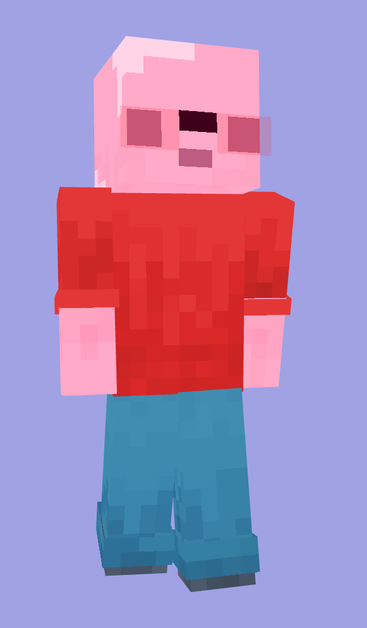
overly rendered blob skin
Download: https://www.planetminecraft.com/skin/overly-rendered-blob-skin/
#art #digitalArt #mcArt #mcskin #noAi #minecraft #mc #blockbench

 Qiita - 人気の記事
 Yora
Yora
 lay (awfukellay)
 Lain 🏳️⚧️