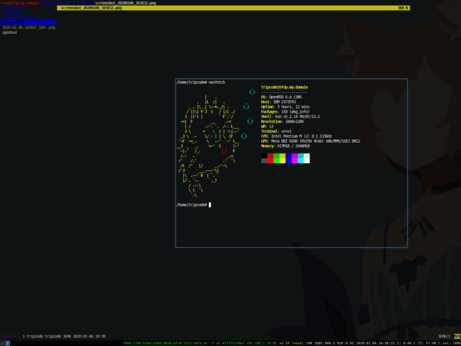
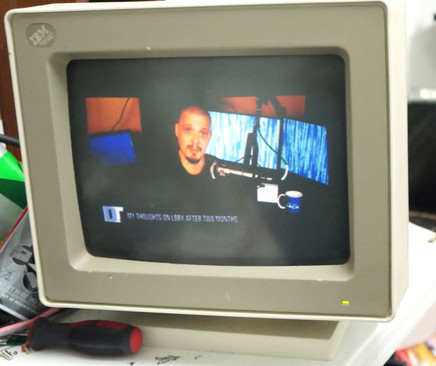
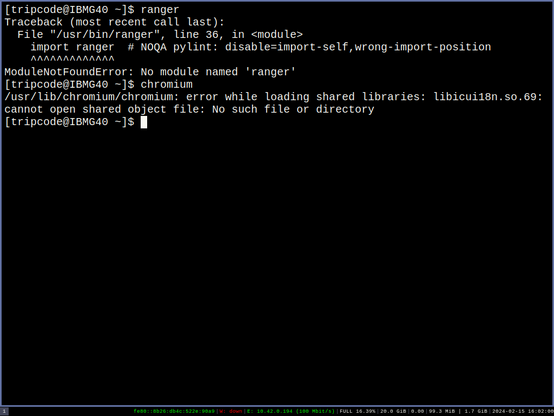
I feel like I'm doing something wrong or arch32(pentium 4 architecture)is a bit broken, at the moment.
Reflector was also having an issue.

| Youtube | https://www.youtube.com/channel/UCZrrEuHiQjN2CUo84g5tk7w/featured |
| Personal Website | http://tripcodeq7.xyz/ |
| Sales Site | http://renegadecomputing.org/ |
I feel like I'm doing something wrong or arch32(pentium 4 architecture)is a bit broken, at the moment.
Reflector was also having an issue.
I'm in Korea at the moment, but I should be able to upload something later this week.
Happy 2024 and I hope everyone has a great year :D
3d printing does work for thinkpad parts, although the models can be a bit odd.
Anyways the glow in the dark, thinkpad now exists.
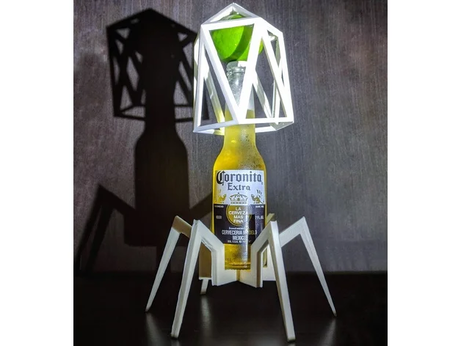
Are 3d printers worth it, I keep having to replace obscure plastic parts.
i normally order from china, but i heard customs cause huge delays now :c
Common failures to x200 are wifi swtich becoming finickey, due to switch cover using a plastic snap joint, and the battery lock if you do alot of hotswaps.
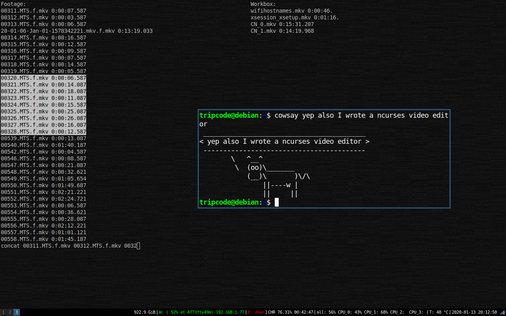
So, this is how I edit videos, it is a ncurses application written in C++ C and bash. The permissions are a bit screwy, and the audiooodec isn't re-rendered, but works with my camera and setup. This editor will run on a pentium M, it uses mpv and is a bit interesting. All the footage is changed to a editing format where every frame is a keyframe. I am going to make a video on it, but for those that are interested :D Here is a early release.
http://tripcodeq7.xyz/downloads/ncurses-video-editor-nve_alpha.zip
I just finished my openbsd desktop/laptop setup video. It pretty much covers everything after the install :D (Wifi Packages, xenodm, xsession, ksh profile...)
It also has a t43p/t42 frankenpad.

Hi, I just installed openbsd on my t42p. (Its a frankenpad) I decided I'd post some helpful links I used.
https://nanxiao.me/en/customize-ksh-display-for-openbsd/
>This for making the terminal a bit easier to use
https://www.mail-archive.com/source-change[email protected]/msg99921.html
Last year openbsd made wifi configuration alot easier, and it is quite easy to setup now.
https://man.openbsd.org/hostname.if.5
This man page is a bit more helpful for the config. I can help in the comments.
https://www.tumfatig.net/20190208/customizing-openbsd-xenodm/
Great for the login :D, Thx to everyone.