
Think Tap Work

@thinktapwork
42 Followers
46 Following
370 Posts
Jeremy and Casey. Developers of Morpho Converter, Pop Out Timer, Attendant, and Participant: 3rd Party Zoom App.
Websitehttps://thinktapwork.com
Bloghttps://blog.thinktapwork.com
App Storehttps://apps.apple.com/us/developer/think-tap-work/id431621741
Updated icon for Morpho 3.0. Also adds support for dark, clear, and tinted icons on the Mac.

Morpho Converter 3.0 is now live.

It features a brand new, Liquid Glass design and icon. The interface has been given a full, modern refresh, from the keypad, to settings, widgets, and the Apple Watch app.

Also: triple currency widget, improved conversion UI, two-pane reorganized settings, full backup for import/export, and so much more.

App Store: https://apps.apple.com/app/id1494942612

Illustrated release notes: https://blog.thinktapwork.com/post/807088814401126400/morpho-converter-30
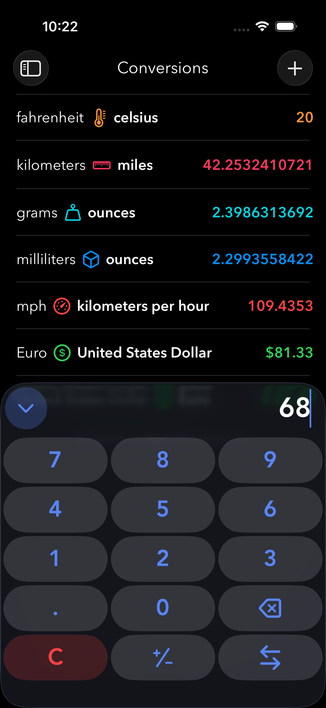

Finally … uploaded the Morpho Converter 3.0 release candidate builds. Just need to finish uploading app previews and we're ready to submit.

Release date is set for January 29th.

Running Zoom on iOS 26 but want that full Liquid Glass experience? Try Participant:

https://apps.apple.com/us/app/participant-3rd-party-zoom-app/id1532789823

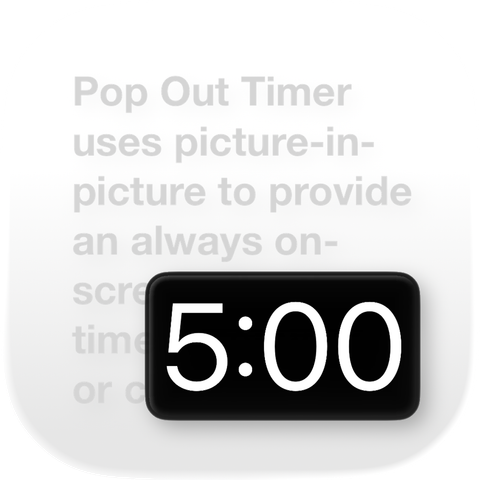
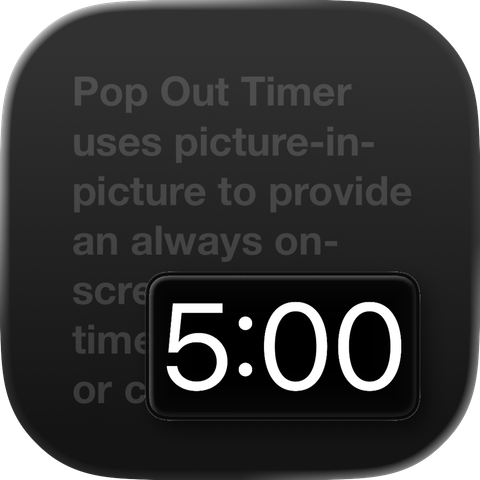
iOS 26 gave us some inspiration for updating the Pop Out Timer icon. A little gradient, improved the text, increased the timer size, gave it more rounded corners, repositioned it, changed from 15:00 to 5:00 for a better fit, plus support for dark, tinted, and clear icons.

Available now on the App Store: https://apps.apple.com/app/id1494942612

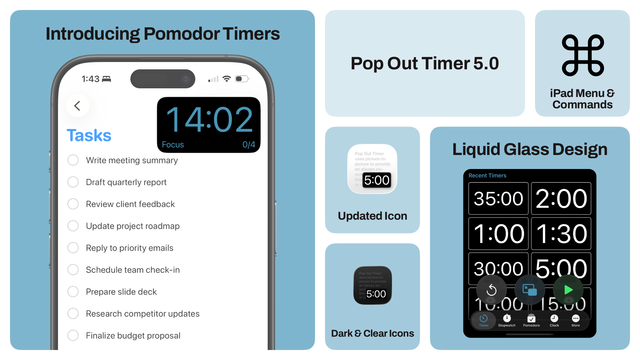
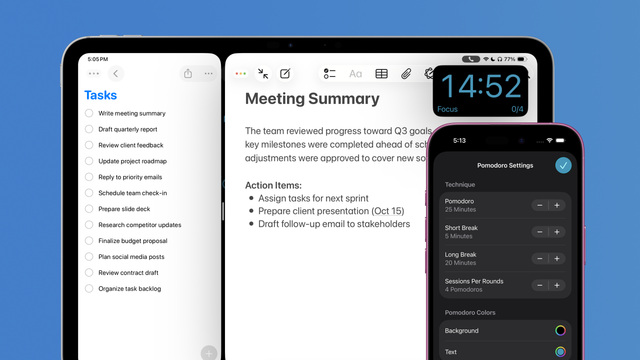
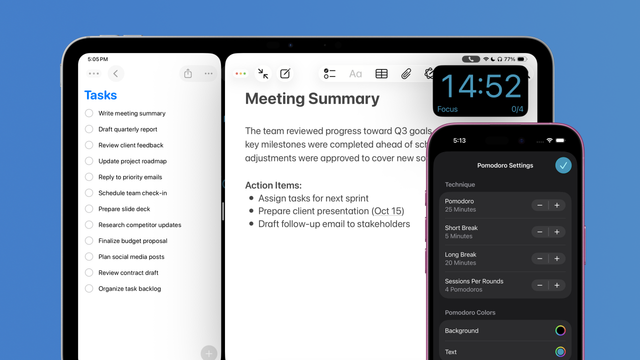
The obligatory bento box for Pop Out Timer 5.0.

Available now: https://apps.apple.com/app/id1352722326

Pop Out Timer 5.0 is now available!

It features:
- Floating pomodoro timer with lots of customization options
- Fresh Liquid Glass design for iOS 26
- New app icon with support for dark, clear, and tinted styles
- iPad improvements for resizable windows, menu bar, and key commands
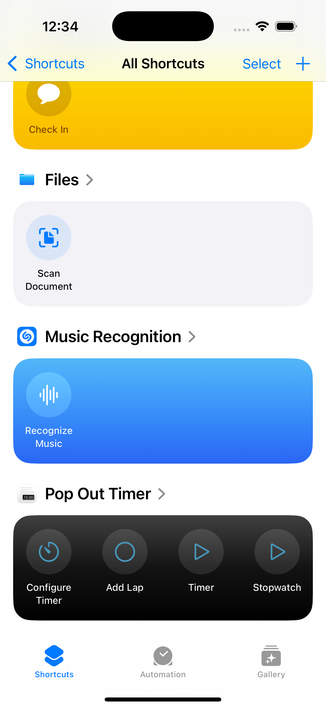
- Some new and some improved shortcuts
- New Show Seconds option for clock

App Store: https://apps.apple.com/app/id1352722326

Illustrated release notes: https://blog.thinktapwork.com/post/794726200726700032/pop-out-timer-50

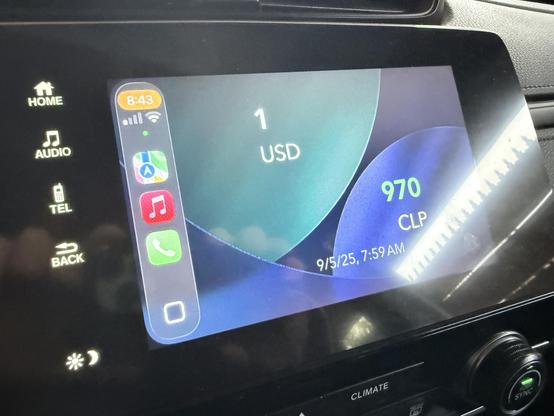
First time checking out CarPlay widgets for iOS 26.

Morpho’s currency converter for when you just need to know wherever you are.

Can't believe it's already that time of the year: taking screenshots, updating app descriptions and keywords, making in-app events, filing feature nominations, creating marketing materials.

Pop Out Timer 5.0 is coming…

And just realized Apple goes from light to dark with their gradient. Fixed.