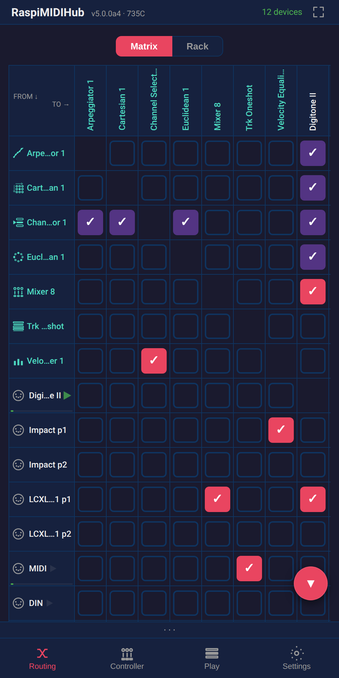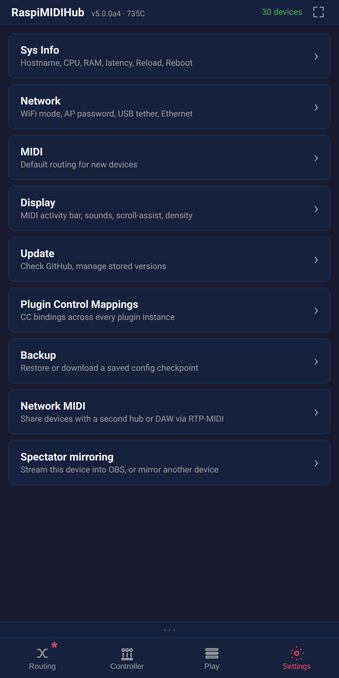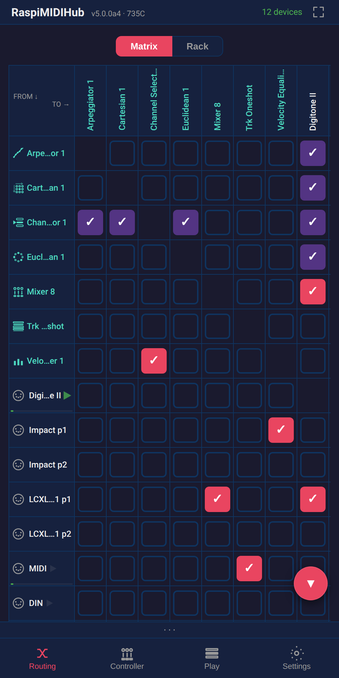
RaspiMIDIHub

@raspimidihub
5 Followers
0 Following
17 Posts

Turn your Raspberry Pi into a plug-and-play USB MIDI hub. Connect keyboards, synths, drum machines — route them instantly with a tap. Built-in virtual instruments, effects, and network MIDI. Configure everything from your phone. Read-only filesystem = safe power cuts. 15+ plugins, controller surfaces, dual-hub mirroring. No computer needed.

🔌 https://raspimidihub.com
🎹 https://discord.gg/DYQ7keGm

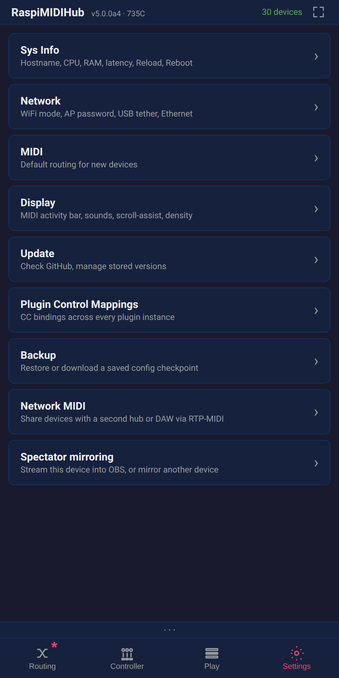
Verify your direct hub-to-hub connection instantly by checking if the Ethernet settings show a tagged link-local address, saving you the need to SSH in for a quick status check. This update ensures you can see both DHCP and fallback addresses simultaneously to confirm your network is up and running. 🎹
https://raspimidihub.com

Stop struggling with BLE-MIDI connection drops on your combo-chip Raspberry Pi by moving the Wi-Fi access point to the 5 GHz band, which instantly frees up the 2.4 GHz spectrum for reliable Bluetooth communication. This update ensures your hub stays online with automatic fallback if needed, giving you a seamless wireless setup without the interference.

https://raspimidihub.com

If you're troubleshooting connection issues with your remote MIDI hubs, the new v5.1.1 update now displays the exact IP address and port for each peer session to make diagnosis much faster. This clarity ensures you can quickly identify and resolve reachability problems without guesswork. 🎹

https://raspimidihub.com

RaspiMIDIHub — Your whole MIDI studio, running on one Pi

Your whole MIDI studio, running on one Raspberry Pi — routing, virtual instruments, sequencers, Bluetooth and network MIDI, controlled from any browser. Open-source, no app needed.

Need a fresh start without losing your connection? The new Factory Reset button in Settings wipes your routing and plugins while keeping your WiFi and backups intact for a quick, recoverable reboot. 🔄

https://raspimidihub.com

Stop guessing why your MIDI connection failed, as the new Mirror button now displays specific diagnostic codes like NETMIDI-E01 when issues arise instead of failing silently. This clear feedback lets you quote the exact error in bug reports or check the troubleshooting guide to get your gear back online quickly. 🎹

https://raspimidihub.com

RaspiMIDIHub — Your whole MIDI studio, running on one Pi

Your whole MIDI studio, running on one Raspberry Pi — routing, virtual instruments, sequencers, Bluetooth and network MIDI, controlled from any browser. Open-source, no app needed.

Stop wasting time on silent installation failures by letting RaspiMIDIHub check your internet connection before it even tries to download. The latest update now catches offline issues and explains tricky WiFi country settings with clear, actionable errors so you can get back to making music faster. 🎹

https://raspimidihub.com

RaspiMIDIHub — Your whole MIDI studio, running on one Pi

Your whole MIDI studio, running on one Raspberry Pi — routing, virtual instruments, sequencers, Bluetooth and network MIDI, controlled from any browser. Open-source, no app needed.

If your BLE-MIDI connections keep dropping on dual-band Raspberry Pi models, switching the RaspiMIDIHub access point to 5 GHz frees up the 2.4 GHz band for stable Bluetooth performance. This new feature automatically falls back to 2.4 GHz if needed, ensuring your hub stays online without manual intervention. 🎹

https://raspimidihub.com

Debugging connection issues with your remote RaspiMIDIHub peers is now much simpler thanks to the new display of actual IP addresses and ports in v5.1.1. This clear visibility lets you quickly pinpoint reachability problems without guessing which network address is truly in use. 🎹

https://raspimidihub.com

RaspiMIDIHub — Your whole MIDI studio, running on one Pi

Your whole MIDI studio, running on one Raspberry Pi — routing, virtual instruments, sequencers, Bluetooth and network MIDI, controlled from any browser. Open-source, no app needed.

If you ever need to wipe your routing and plugins clean, the new Factory Reset button instantly reboots your hub while preserving your WiFi and backups. This ensures you can always recover your configuration or start fresh without losing network access. 🛠️

https://raspimidihub.com

Stop wasting time guessing why your network MIDI connection failed, as the new Mirror button now displays specific diagnostic codes like NETMIDI-E01 directly in a toast message. This immediate feedback lets you copy the exact error into your bug report and quickly find the solution in the troubleshooting chapter.

https://raspimidihub.com

RaspiMIDIHub — Your whole MIDI studio, running on one Pi

Your whole MIDI studio, running on one Raspberry Pi — routing, virtual instruments, sequencers, Bluetooth and network MIDI, controlled from any browser. Open-source, no app needed.