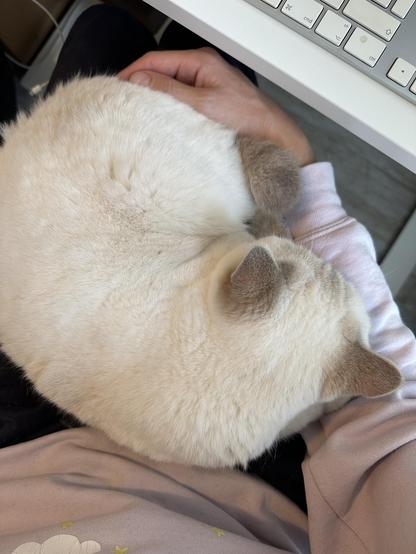
me, wearing headphones: oh boy its loud here, better turn on noice cancelling
*switches off noice cancelling*
me:
how am i supposed to work like this?
(we’re babysitting two very cute cats for a few weeks)
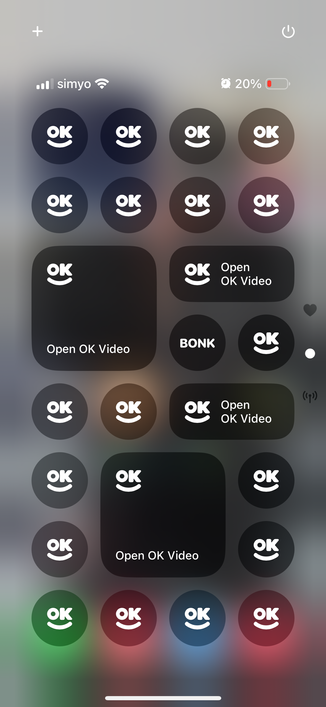
finally got my Control Center set up just right
this transition in iOS 18’s messages app is so delightful. you can’t blur elements like that with just UIKit
just can’t believe how effortless it is to record to your latest project! oh and make sure to open your project of choice first, otherwise it won’t know where it’s recording to 😅
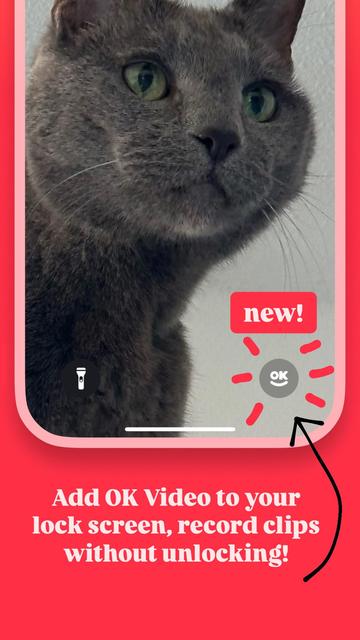
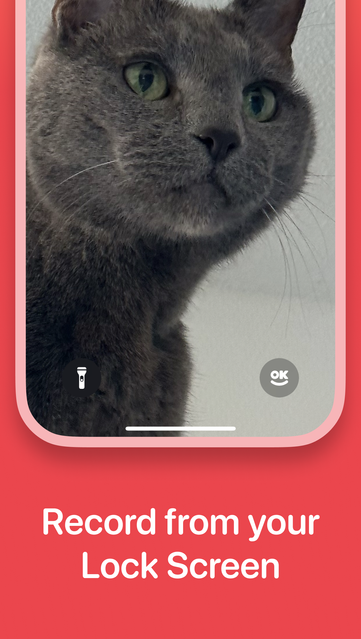
got iOS 18? want to quickly add shots to your daily vlog without having to unlock your iPhone? try OK Video with lock screen capture support, out now!
http://okvideo.app/download

OK Video - Clips Camera
Tap. Record. Share. OK Video is the simplest video camera you have — and there’s no need to edit. Just tap and hold the screen to record as many shots as you want.
It’s the fastest way to create a vlog, stop motion video, or just capture what’s happening right now. Save to your phone or share it wi…
ok video, now for ipad. tell your (grand)parents
https://okvideo.app/downloadOK Video - Clips Camera
Tap. Record. Share. OK Video is the simplest video camera you have — and there’s no need to edit. Just tap and hold the screen to record as many shots as you want.
It’s the fastest way to create a vlog, stop motion video, or just capture what’s happening right now. Save to your phone or share it wi…
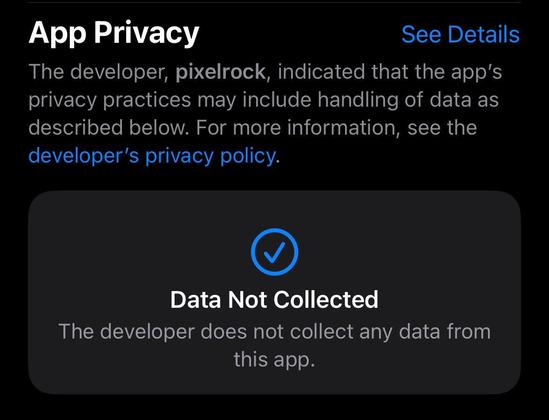
badge of honor (from OK Video’s app store page)
i don’t want your data and definitely don’t want to give it to some some shady company
thanks for all the love everyone! looks like a lot of people like OK Video’s onboarding experience so here’s a little teaser