Character Walk Animation - Friction Tutorial
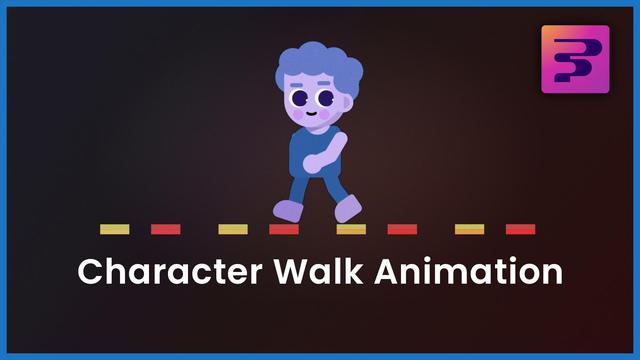
Make characters walk without sliding & automate the walk animation using expressions.
https://youtu.be/_EADMMUZ6DY
#frictiongraphics #tutorial
Powered by @friction

| YouTube Channel | https://youtube.com/@nuxttux |
| Website | https://nuxttux.com/ |
Character Walk Animation - Friction Tutorial
Make characters walk without sliding & automate the walk animation using expressions.
https://youtu.be/_EADMMUZ6DY
#frictiongraphics #tutorial
Powered by @friction
Walk Cycle Animation - Friction Graphics Tutorial
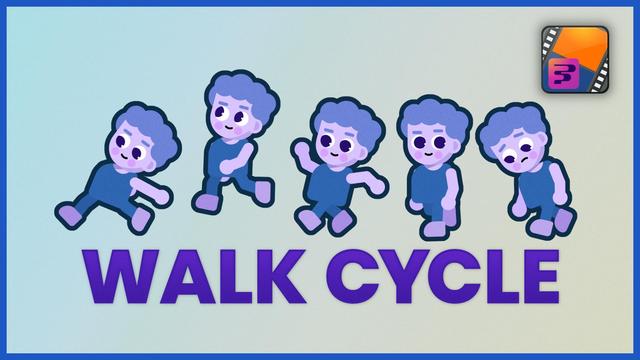
Learn to create a number of simple character walk cycles using Friction Graphics.
https://youtu.be/QY_MrhjZpgE
#frictiongraphics #tutorial
Powered by @friction
Rigging with Friction Graphics - Character Rig
We'll rig a character using Null's.
We'll use the Flip Book effect with Expressions to create sliders to control different aspects of the character.
We'll learn about clipping mask when rigging the eyes.
#tutorial #frictiongraphics
Powered by @friction
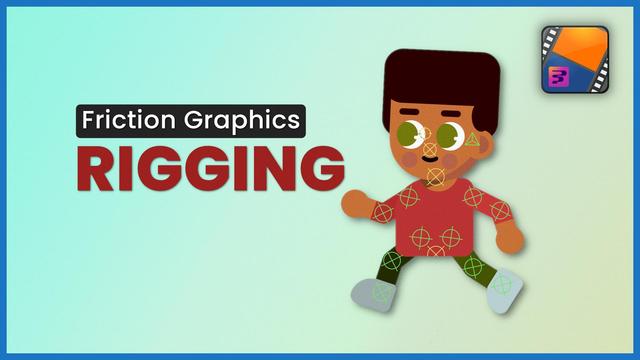
Part four - Get comfortable with Friction Graphics for animation and motion graphics.
Part three - Improve your workflow, learn to manage multiple scenes in Friction Graphics.
One of Friction's super powers.
Part two - Basic animation in Friction Graphics, importing media, combining scenes, using expressions, navigating compositions, and much more.
Part One - Introduction to Friction Graphics for Motion Graphics.
To help users build strong fundamentals and a solid understanding of Friction as a tool, I've decided to start from the top with some very basic projects. No fancy animations.
Part one is as basic as it gets, without going into too many details.

First impression using Friction Graphics rc.3. Looking forward to working with it.
First animation at the end.
Powered by @friction