Naituw

@naituw
188 Followers
73 Following
63 Posts

Spatialify 2.4 is now live on the App Store!

- Redesigned Spatial Camera interface brings more features: Exposure, Flash, Timer, Focus Lock, Video frame rate & bitrate settings.
- Hear the sound of Live Photos while browsing Spatial Photos.
- Exporting wigglegrams to video.
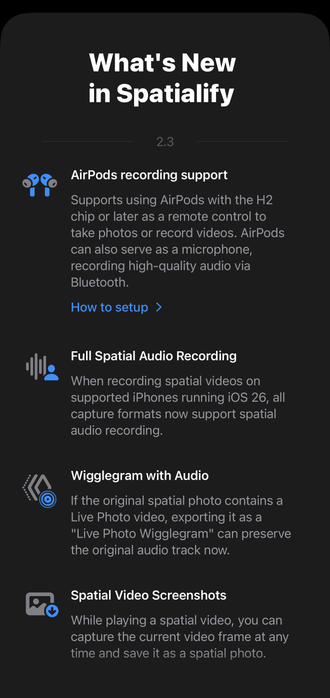
Spatialify 2.3 now available with iOS 26 support: Liquid Glass, AirPods remote control & microphone, Spatial Audio recording in all specs, Spatial Video screenshots and more.
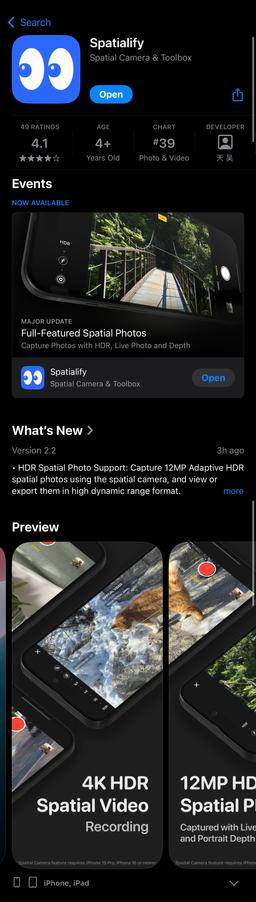
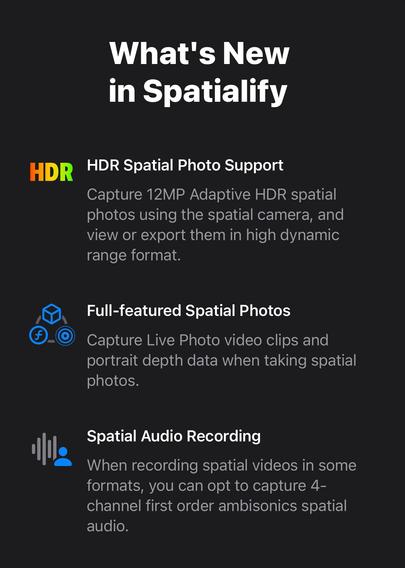
Spatialify 2.2 is now live! It now supports capturing full-featured spatial photos, including HDR for both frames, Live Photos, and portrait depth metadata. Additionally, it supports recording spatial audio while shooting spatial videos in certain specs.
Spatialify 2.1 is now live!
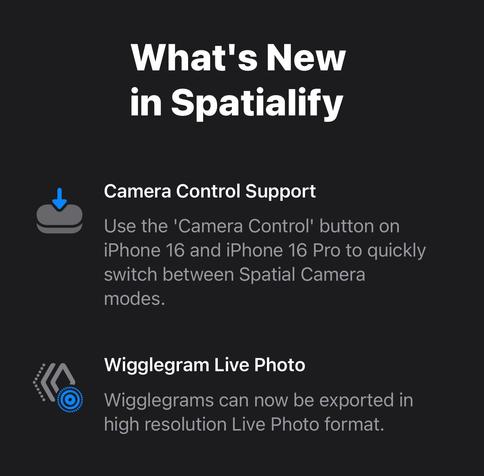
⁃ Use the "Camera Control" button on the iPhone 16 series to quickly switch between spatial camera modes.
⁃ Support for exporting spatial photos as wigglegrams in high-resolution Live Photo format.
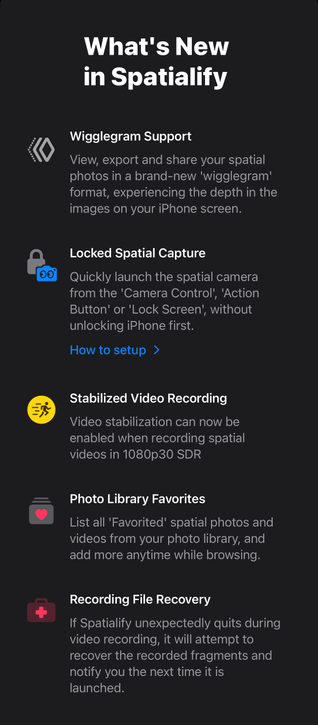
On iOS 18, Spatialify's spatial camera can be launched without unlocking the device, whether through camera control, the action button, or the button at the bottom of the lock screen, allowing you to start capturing instantly.
@naituw great job on this nifty feature 😎
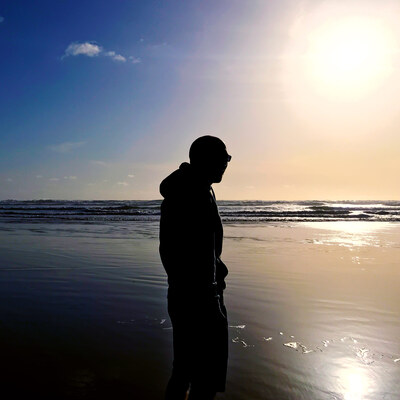
Spatial photos generated by Apple Vision Pro can also be turned into #wigglegram with Spatialify 2.0! Here are some sample photos
Here are some sample photos taken with the Spatialify camera and exported to #wigglegram using the new version. Thanks to @midkay for providing these excellent photos!
Spatialify 2.0 is now live on the App Store!
- A new way to view and share spatial photos on the phone: #wigglegram
- Launch spatial camera from camera control, action button, or lock screen, without unlocking your phone first
- iOS 18 Ready
See you on September 16th 👀