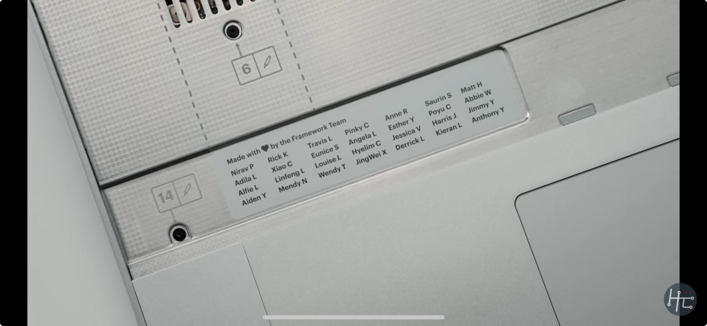
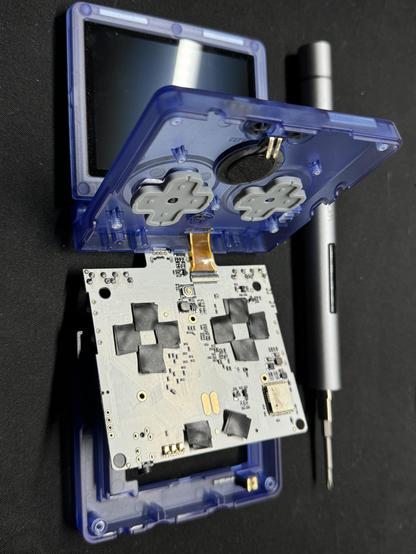
Unwinding this evening with a bit of open heart surgery on a fake GBA SP.



Well, we have started moving in that direction. As of recent updates, the 1Password Safari extension runs most of its logic in WebAssembly (WASM) just like in other browsers.
And the extension *can* run without talking to its helper binary — on Mac at least. You can disable the connection to the Mac app in Settings, putting the extension in standalone mode.
But once you sever this connection, you give up the ability to keep the extension unlocked across sessions. Worse, you give up Touch ID.
Complicating this further are the aggressive constraints on lifecycles that exist in both Safari and iOS.
At any time, the helper binary can be shut down by the OS. So can the extension itself. It's relatively common that you will luck out and try to interact with the extension when it's in one of these half-working states. It will do its best to go and *recombobulate* itself, but there are a lot of moving pieces.
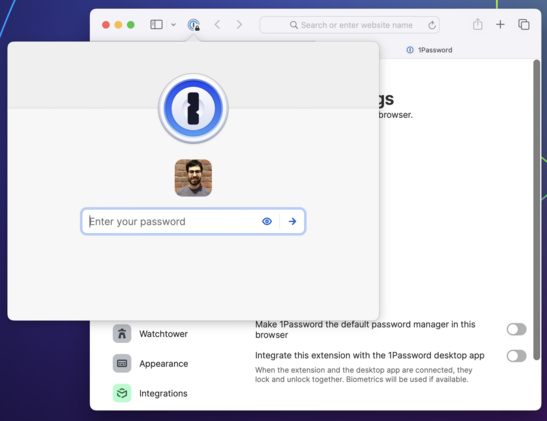
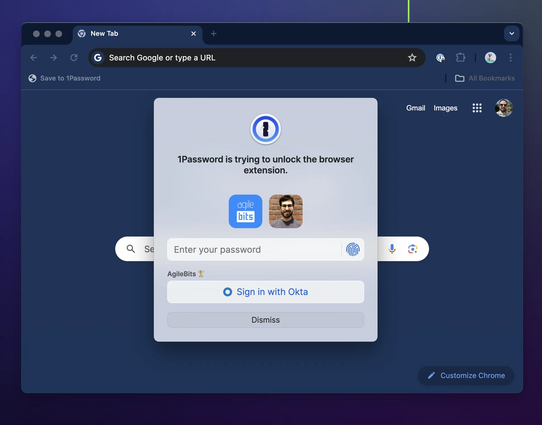
When you interact with the 1Password browser extension, it sends a message to a native binary asking it to unlock (using biometry if possible) and to provide it with data. If all goes well, you see a prompt to unlock followed by your autofill suggestions.
But if for any reason the connection with the binary can't be established or isn't working as expected, things start to deteriorate. The extension stalls, or locks itself when it shouldn't, or even stops responding completely.
1Password faces a unique challenge in the web browser: your data needs to be locked (encrypted) when it's not in use, and your unlock keys need to be kept safe from attackers — never cached or exposed in plain text.
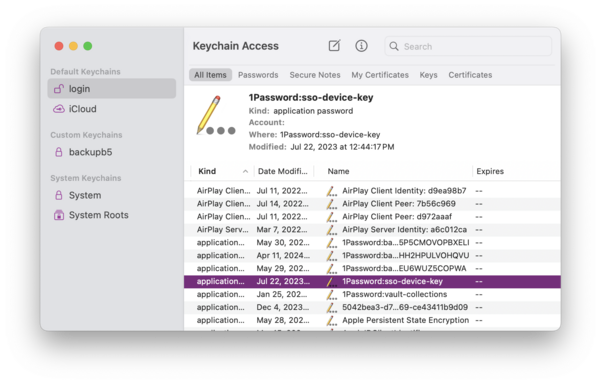
Browser extensions do not have any way to securely manage keys. So if you want to unlock 1Password in a web browser, there's really only one good way to do it, and that's with the help of another app outside of the browser — one that can access the secure enclave/keychain.
Each new Safari extension framework meant better compatibility, stronger security, and more features. But there were also growing pains. The SAE and SWE frameworks had much larger surface areas, more bugs, and new and different restrictions.
These kinds of obstacles crop up with any new API. But the issues in more recent frameworks had especially harsh consequences for a critical aspect of 1Password usability: the ability to be — and stay — unlocked.