Not sure how I feel about Toots not migrating when moving instances. 😩
| Web | https://kylereddoch.me |
| GitHub | https://github.com/kylereddoch |
| Polywork | https://poly.me/kylereddoch |
| My Hub | https://direct.me/kylereddoch |
| Web | https://kylereddoch.me |
| GitHub | https://github.com/kylereddoch |
| Polywork | https://poly.me/kylereddoch |
| My Hub | https://direct.me/kylereddoch |
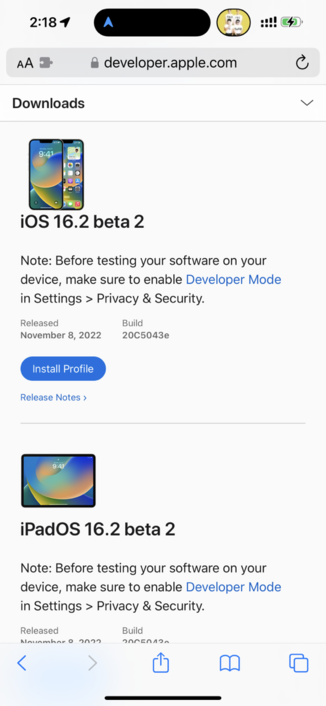
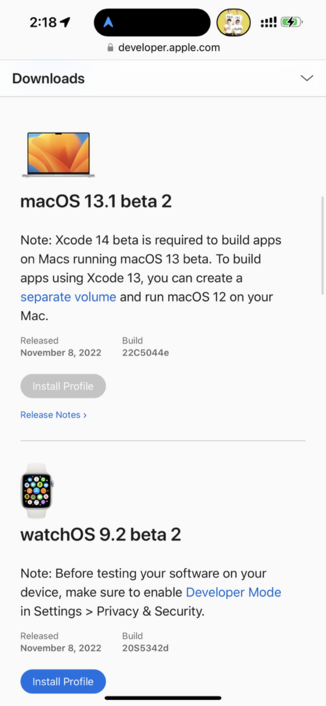
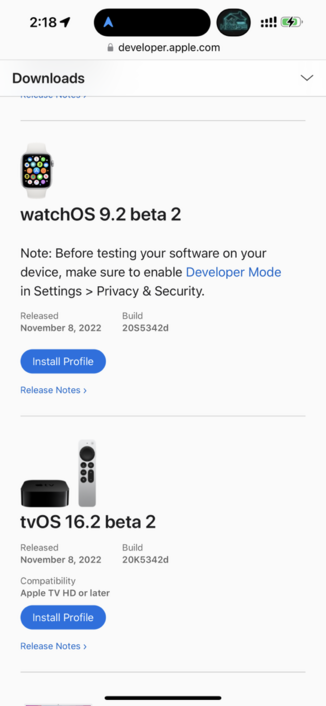
I just wrote a quick guide on how to get started with Mastodon, for a non-technical but not tech-phobic audience. If you have any fact-checks or suggestions, feel free to reply here.
https://www.zdnet.com/article/getting-started-with-mastodon/
Really important thing you need to know about Mastodon: You don't need to use the official app!
There are some good third party apps listed on Mastodon's own site:
➡️ https://joinmastodon.org/apps
The third party apps have more features and had way more development time.
 Android users might want to start with Tusky and Fedilab
 iPhone/iPad users might want to read this: https://transponderings.blog/2022/05/21/eight-mastodon-apps-for-iphone/
Mastodon is an open platform, so third party apps can use its features fully.
Introducing Apple Frames 3.0 📱
- Completely rewritten
- Support for iPhone 14 Pro + Dynamic Island, Apple Watch Ultra, and M2 MacBook Air
- Multiple display scaling modes on iPadOS 16 and macOS
- New Files integration
- Much faster
Free for everyone: https://www.macstories.net/ios/apple-frames-3-0-completely-rewritten-support-for-iphone-14-pro-and-dynamic-island-new-devices-multiple-display-resolutions-and-more/
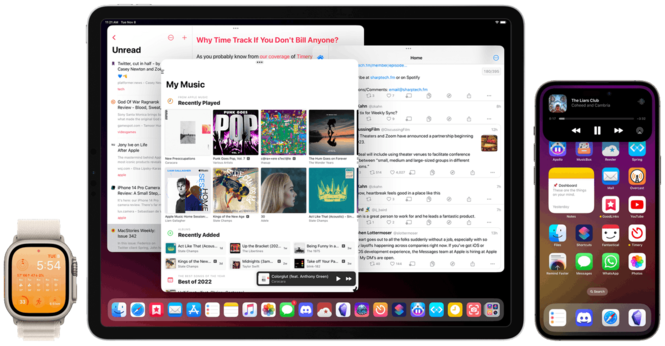

Today, I’m pleased to announce the release of version 3.0 of Apple Frames, my shortcut to put screenshots taken on various Apple devices inside physical frames for iPhone, iPad, Mac, and Apple Watch. Apple Frames 3.0 is a major update that involved a complete re-architecture of the shortcut to improve its performance and reliability on
 Eugen Rochko
 Ed Bott
 xcud
xcud FediTips has moved!
 Michael Bond