Try this:
git log --author="$(git config user.name)" --no-merges --pretty=format:"%s" -200 | llm -s "Based on my history of commit message subjects, what words do I use the most and how can my commit message subjects be improved?"

| Website | https://codeinthehole.com |
| https://twitter.com/codeinthehole | |
| TIL | https://til.codeinthehole.com/ |
| Github | https://github.com/codeinthehole/ |
Try this:
git log --author="$(git config user.name)" --no-merges --pretty=format:"%s" -200 | llm -s "Based on my history of commit message subjects, what words do I use the most and how can my commit message subjects be improved?"
This:
https://ludic.mataroa.blog/blog/i-will-fucking-dropkick-you-if-you-use-that-spreadsheet/
but for Django admin.
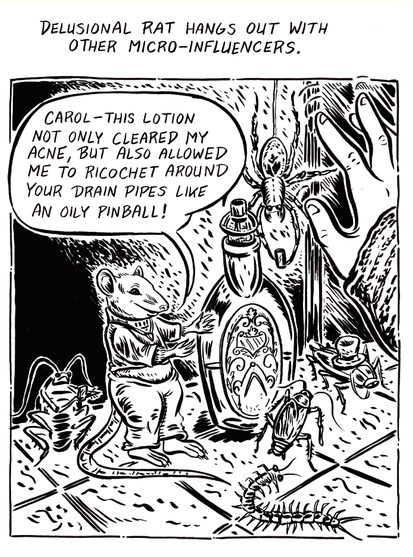
I will be using this metaphor many times henceforth.
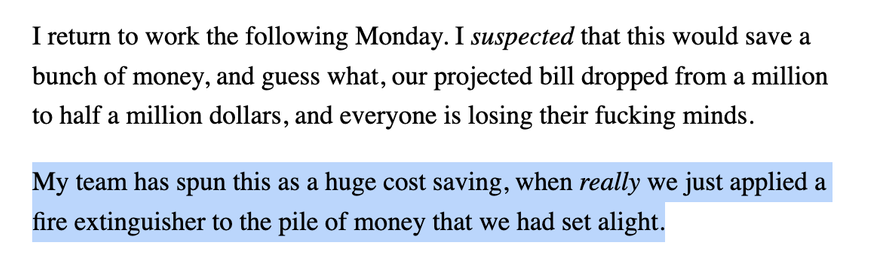
From (my new favourite tech blog): https://ludic.mataroa.blog/blog/i-accidentally-saved-half-a-million-dollars/
It's only through trying to maintain *other people's code* that you hone your taste in what makes code maintainable.
There's a limit to what you learn from maintaining your own code.
Why didn't anyone tell me about `git log -p`?
https://til.codeinthehole.com/posts/how-to-show-the-history-of-a-file-with-git-log-patch/
I think I glossed over it previously as I was slightly scared of the word "patch".
Two tips for using Github Copilot with Vim:
https://codeinthehole.com/tips/vim-and-github-copilot/
If you use Vim and resolve Git conflicts from the command line, this is a useful command:
$ git status -sb | awk '$1 ~ /^(UU|AU|UA)/ {print $2}' | xargs -o vim -c "normal gg]n"
This:
- Uses awk to extract the filepaths of files with conflicts
- Uses xargs to open these files in Vim
- Passes a custom command to Vim to jump to the first conflict marker in the first file.
Note the `]n` movement is provided by (the highly recommended) vim-unimpaired:
https://github.com/tpope/vim-unimpaired/blob/master/doc/unimpaired.txt#L60-L61


