 distelfliege 🥝(weird)
hey, seeing folks, I'm mostly not boosting toots with pictures in them that have no description.. and sadly I see a lot where there isn't one.
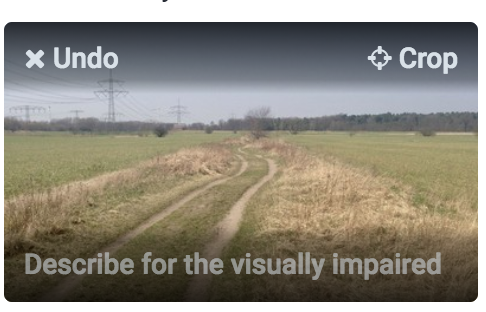
it's easy, just hover your cursor over the picture or tap it and you will see a line with a text:
"describe for the visually impaired". click/tap on this line and enter a short description (or long if you prefer, because it doesn't count towards the text of the toot).
tadaaaa you're done!
 Farrell