 momo ✅ (VERIFIED SOLE OWNER)
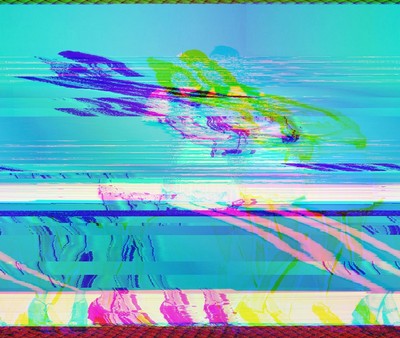
Make your own glitchy images w/ audacity!
- Save to an uncompressed format (.bmp works great!)
- import into audacity as Raw Input w/ Encoding: U-Law and Byte Order; Big Endian
- Play with effects on all but the first quarter second or so (to avoid messing up headers)
- export to format "Other uncompressed files" and click options, set Header to RAW and encoding to U-Law. If you have issues, rename from .raw to .bmp!
Example image:
 SydneyEFalk