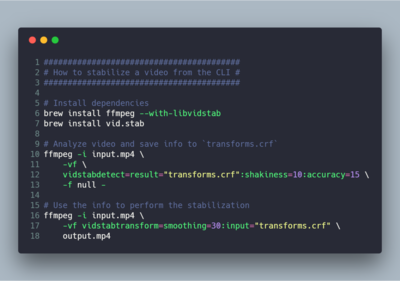
How to stabilize a video from the CLI:

Install dependencies:

$ brew install ffmpeg --with-libvidstab
$ brew install vid.stab

Analyze video and save info to `transforms.crf`:

$ ffmpeg -i input.mp4 \
-vf \
vidstabdetect=result="transforms.crf":shakiness=10:accuracy=15 \
-f null -

Use the info to perform the stabilization:

$ ffmpeg -i input.mp4 \
-vf vidstabtransform=smoothing=30:input="transforms.crf" \
output.mp4

--
https://git.io/vQ0Aw
https://scottlinux.com/?p=6406

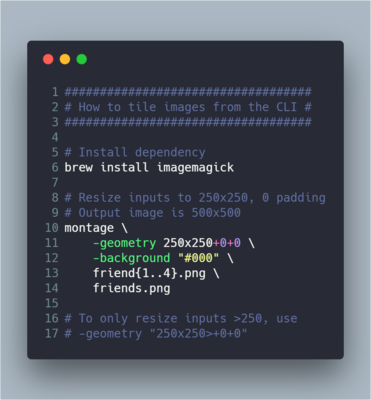
TIL about Imagemagick’s `montage` command which makes tiling images with the CLI dead simple:

montage \
-geometry 250x250+0+0 \
-background "#000" \
friend1.png friend2.png friend3.png friend4.png \
friends.png

`250x250+0+0` makes each tile 250x250 with 0 spacing, which gives you a 500x500 image.

https://mastodon.social/media/bEMn3SYrR-iRts_N8iE

Shorter version for input in Bash:

montage \
-geometry 250x250+0+0 \
-background "#000" \
friend{1..4}.png \
friends.png

If you only want to resize images *larger* than 250, add a `>` and quotes around the `-geometry` argument:

-geometry "250x250>+0+0"

https://mastodon.social/media/dh1bMtaO77p2WHitrXM

And now I feel a sudden urge to rewatch this: https://www.youtube.com/watch?v=jcZUPDMXzJ8.

Deeply in love with https://carbon.now.sh for sharing dope code snippets.

(Just don’t forget accessibility!)

https://mastodon.social/media/s-cljRKmzsYxbCoMZBA https://mastodon.social/media/tiGhJbnliXpTL_YYdVo

Carbon

Carbon is the easiest way to create and share beautiful images of your source code.

Mastodon’s image compression is a little too hardcore on the images in carousel mode, though. They still look great in full view, however.
Another more involved tool to complement carbon.sh for animated screencasts is asciinema: https://asciinema.org.
Record and share your terminal sessions, the simple way - asciinema.org

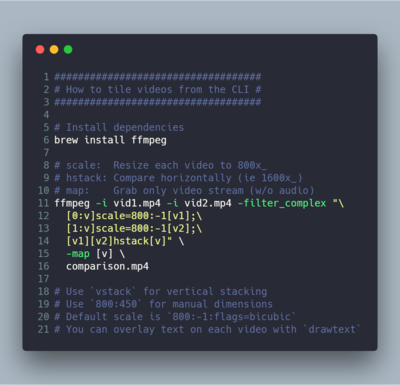
How to tile videos from the CLI:

ffmpeg -i vid1.mp4 -i vid2.mp4 -filter_complex "\
[0:v]scale=800:-1[v1];\
[1:v]scale=800:-1[v2];\
[v1][v2]hstack[v]" \
-map [v] \
comparison.mp4

@pessimism Oh damn, that is awesome. Thanks for sharing that link.