 Nico Reese
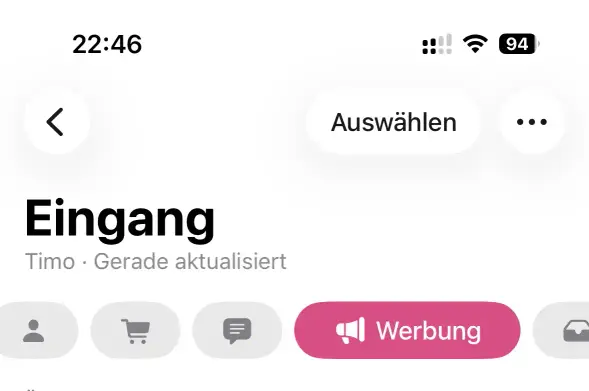
Can somebody with macOS 26 replicate this screenshot for me?
I need one in SDR and one in HDR. You can toggle this by using CMD + Shift + 5 and then selecting Capture Format under Options. You need an HDR display to see this option.
Thanks!

Can somebody with macOS 26 replicate this screenshot for me?
I need one in SDR and one in HDR. You can toggle this by using CMD + Shift + 5 and then selecting Capture Format under Options. You need an HDR display to see this option.
Thanks!
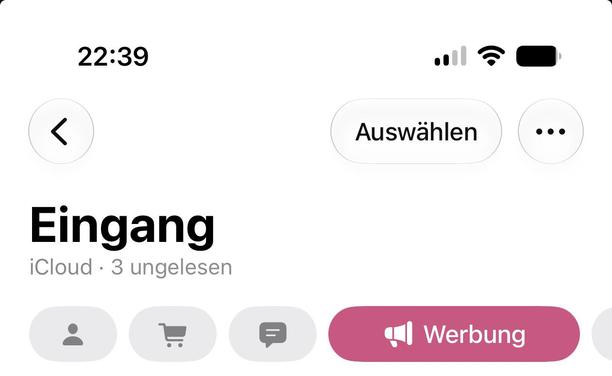
@nicoreese Sure thing. Here it is: https://we.tl/t-ODVRBYeufanrNvPW
Today I am learning how to take HDR screenshots 😎. What exact details are you extracting from these screenshots?
 Timo
Timo