 Appils
@henrikdev_ Hi Henrik, I’m a big fan of Beam Browser. I use the preview function with the Option key on my iPad Pro, but I was wondering how I can close the preview page again. Could you maybe add a keyboard shortcut for that, like Escape or Backspace? thx
 Henrik Singh
@Appils thanks! you can close it by tapping anywhere outside the preview, but you're right - Escape should dismiss it too. I'll add that.
@henrikdev_ Hi, unfortunately my request didn't make it into version 1.3, or did I miss something? thx
@henrikdev_ Hi, i obviously tested this right away, but unfortunately it's not working. I'm using Apple's Magic Keyboard and restarted the iPad. But even that didn't help. While you're at it, could you maybe also add a keyboard shortcut for fullscreen from the Peek view, e.g., the F key for that. I'm a huge fan of this Peek view, I find it just so incredibly practical and nobody has implemented this on iPadOS before. Thanks!
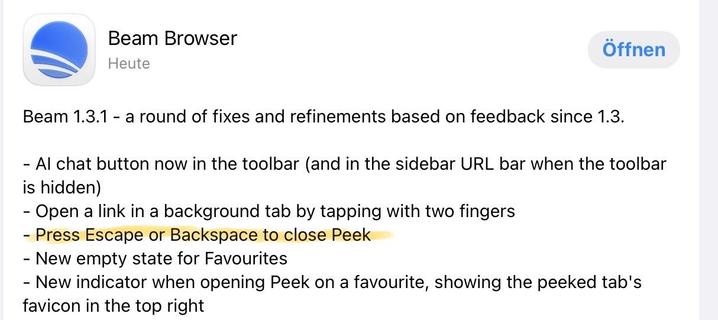
@Appils Hi, apologies for the late reply - it should now be fixed in the latest update, 1.3.2. The issue was that webpages were taking the focus for backspace presses. Now, its cmd+. by default, and you can edit the shortcut in settings. Let me know if its working for you now!
@henrikdev_ yes, it worked. Thank you. 😃🙏🏼