 Geek Rewind
How to Allow a website to use your Mic and Camera in Edge
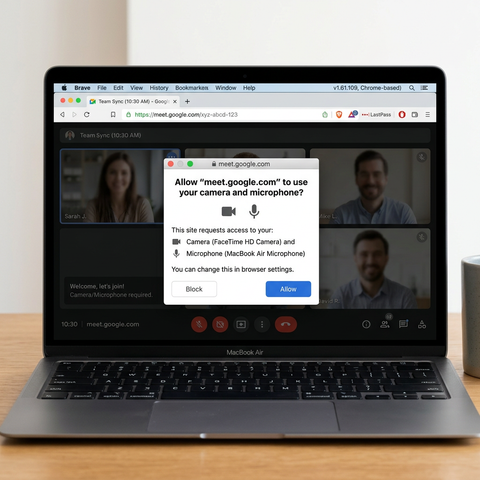
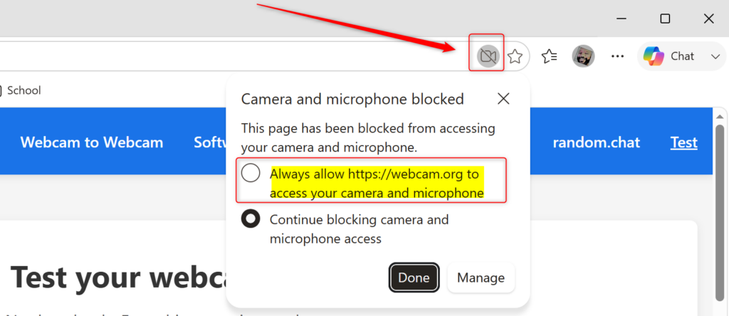
You allow a website to use your microphone and camera in Microsoft Edge by responding to a permission prompt when the site requests access. This permission prompt appears when a website needs to interact with your hardware, such as for video calls or online tests, and Microsoft Edge gives you direct control over these requests. For instance, when you click a button like "Start Video Call," Edge will typically present a small pop-up at the top of the window asking for your permission. You […]https://geekrewind.com/how-to-allow-a-website-to-use-your-mic-and-camera-in-edge/