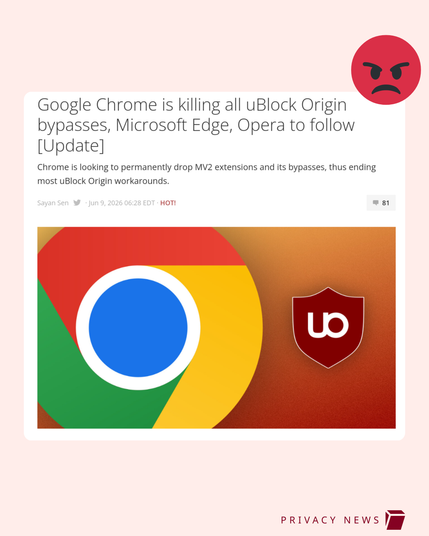
🚨🚨 BREAKING: Google Chrome to kill uBlock Origin for good 🚨🚨

Time to switch to #private #browser #alternatives

Which one do you use? 👇

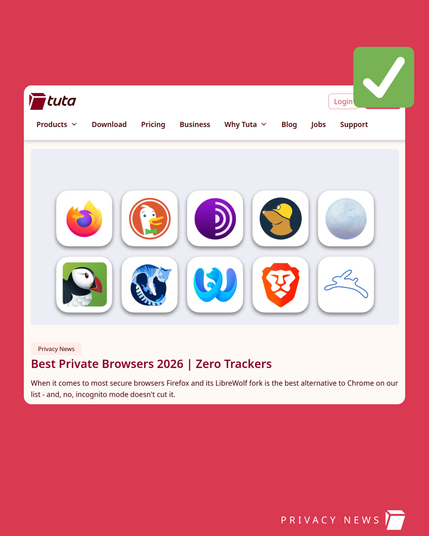
- Mozilla Firefox
- DuckDuckGo Browser
- Mullvad Browser
- Zen Firefox
- Waterfox
- Pale Moon

Recommendation by the Tuta Team: https://tuta.com/blog/best-private-browsers
@Tutanota i would love to switch to firefox, but there is a extension i use in vivaldi or other chromium which is important to me called "Hand Tool" its lets me scroll like a photoshop document holding spacebar or say scrolling on phone type feel coz i use wacom tablet, i can't find as good a extension in Firefox sadly does anyone know such thing in Firefox let me know

@Fakepivot Okay, I actually managed to port the main functionality of the plugin to firefox :)

Would you be interested in a dedicated firefox version?
I find it quite interesting right now and would volunteer to add it to the addon store

@Numerfolt whow really? YES

@Fakepivot It's currently under review and should be available in the next days, unless the original creator has any objections.

I tried to rewrite it for 3-4 hours, but the original is so well coded, that I ended up cloning 99% of it.
I only had to change all "chrome.storage" to "browser.storage" and update the manifest.json :)

I'll let you know once it's available!

@Fakepivot Oh shit, I think I "ported" the wrong extension 🤔
Now that's embarassing...

I "ported" this one: https://chromewebstore.google.com/detail/spacebar-drag/jaccokbdifidliancbiinoccfpilkiea

Didnt have any second thoughts, because it's using Space+Drag to scroll...

Before you continue

@Numerfolt oh, i think i was talking about this https://chromewebstore.google.com/detail/hand-tool/paflchebahgbgeambpbhoieeanaddehf , it lets me have custom hotkey, for me i use cntrl as its easier..
Before you continue

@Fakepivot Yeah, you actually mentioned it, sorry...

What I noticed: in the description it says that it basically works just like the firefox extension "Grab and Drag"
While that extension doesnt exist anymore, there's this extension which is the spiritual successor:
https://addons.mozilla.org/de/android/addon/scroll_anywhere/

ScrollAnywhere – Holen Sie sich diese Erweiterung für 🦊 Firefox Android (de)

Laden Sie ScrollAnywhere für Firefox herunter. Scroll page without touching scroll-bar! Press Middle (Right / Left) mouse button anywhere on the page to scroll just like with scrollbar. Features also: - "grab and drag" scrolling - customizable scrollbars! - the Momentum auto-scroll