jns
jnsI've been an #fvwm user for a long time (early 2000's) and I've always appreciated it being more configurable than any other window manager out there.
But lately, there's been a few excellent scriptable window managers popping up that have it beat. After many random attempts, I've finally switched the main desktop to #awesomewm
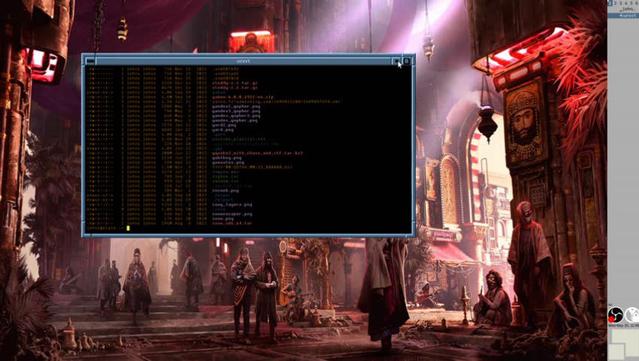
The biggest challenge has been how to make it not look so darn flat. I like my #cde / #motif / #4dwm / whatever style borders, so getting that implemented in awesomewm took me an embarrassingly long time, but the fact that I was able to do it, is certainly a testament to it's customizability.
Video of what it looks like:
https://toobnix.org/w/a2fuZ7zcdWfESMvfbigN3U
#gopher post with details: gopher://gopher.linkerror.com/0/phlog/2026/20260520
git repo: https://linkerror.com/git/jns/awesomewm_config/src/branch/main/