 Nuelink
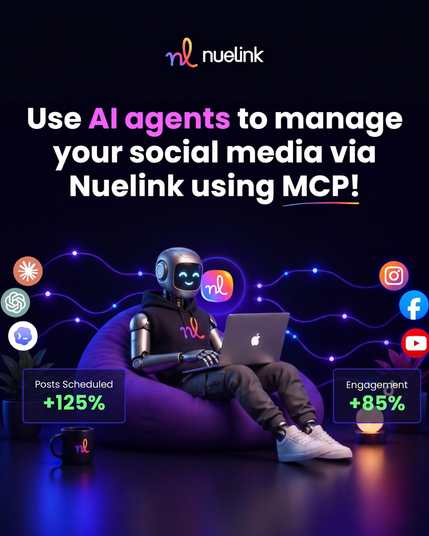
Nuelink MCP is now officially live!
You can now connect Nuelink with AI assistants like ChatGPT, Claude, Cursor, Manus, Codex, Cline, and other MCP-compatible tools.
That means you can manage your Nuelink workspace just by chatting with your AI assistant
Examples:
💬 “Schedule this for Friday at 9 AM.”
💬 “Add this caption to my Product Launches collection.”
💬 “Repurpose this founder note into 3 posts.”
💬 “Caption these photos and add them to Clever Ideas.”
Setup takes around 2 minutes: