 The Iconfactory
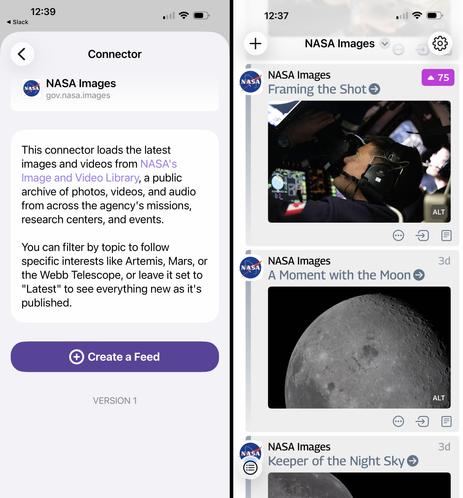
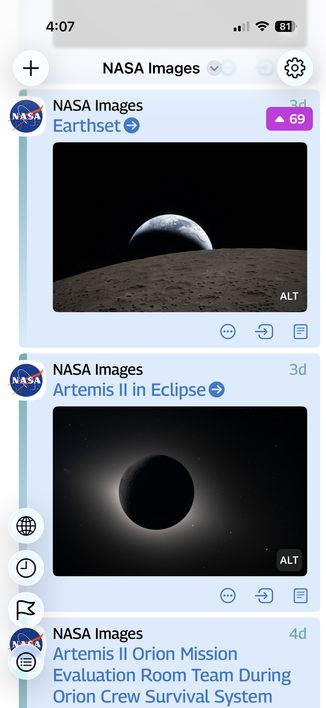
 Are you a Tapestry fan who wants more space pictures in your timeline? Get a sneak peek at a new Tapestry connector we're tinkering with for viewing the latest images from NASA!
The connector is at: https://github.com/TheIconfactory/Tapestry/tree/main/Plugins/gov.nasa.images
1. Go to Settings > Connectors > Add from URL and paste the above URL.
2. Install the connector.
3. Go to Settings > Connectors > Other Connectors > NASA Images and tap "Create a Feed" and confirm it by tapping "Add Feed"
Enjoy!
 Greg Lloyd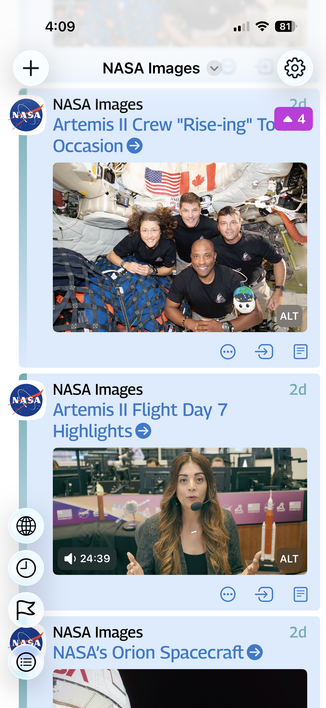
 Stuart Crabtree