Today’s fuckery:

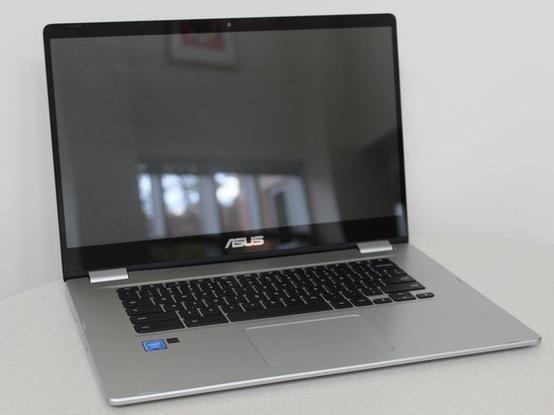
A few years back we bought my son a Chromebook for his schoolwork. At the time it seemed like a good choice because the price was right and the limited specs meant that it would pretty useless for much else. (Focus on your schoolwork, kid!)

The Chromebook ended up getting slightly bent in my son’s backpack, which screwed up the touchpad. Alas, old Chromey ended up forgotten in the ‘pile of old crap I refuse to get rid of’, until one day I decided to do some searching into repairing the touchpad, which I was able to accomplish by ‘shimming’ out to warped case a little bit.

Then Google decided to end support for Chromebooks.

Well, today I dusted the old girl off and began with the question: can one install Linux on this thing?

Turns out, the answer is ‘probably’.

Hell yeah, let’s dig in!
#RightToRepair #HardwareHacking #JailBreaking #Chromebook

So after some reading I found a site offering a pretty straightforward tutorial on how to jailbreak and install other OSs on Chromebook. Apparently people are installing Linux, Windows and even MacOS on these things!

https://docs.mrchromebox.tech

#RightToRepair #HardwareHacking #JailBreaking #Chromebook

MrChromebox.tech

MrChromebox.tech website

So, it turns out that you need to overwrite the default firmware on the Chromebook in order to install one that will allow you to boot from external media and install an alternative OS.

My first attempt revealed that the manufacturer of this particular Chromebook had made the BIOS ‘read only’, but I learned that it was possible to bypass this by disconnecting the internal battery.

No big deal. I’ve had this thing apart before. Off to iFixIt I go:

https://www.ifixit.com/Device/Asus_Chromebook_C523N

#RightToRepair #HardwareHacking #JailBreaking #Chromebook

Asus Chromebook C523 Repair Help: Learn How to Fix It Yourself.

ASUS Chromebook C523NA is a Chromebook laptop manufactured by ASUS that was released on October 23, 2018 and is compatible with the Google Play Store2. It is the first ASUS Chromebook to feature a NanoEdge design, for a larger screen but more compact design.

iFixit

And it worked! I was able to overwrite (after backing up!) the factory firmware! Now I have a BIOS that allows me to go in and configure boot devices/priorities!

#RightToRepair #HardwareHacking #JailBreaking #Chromebook

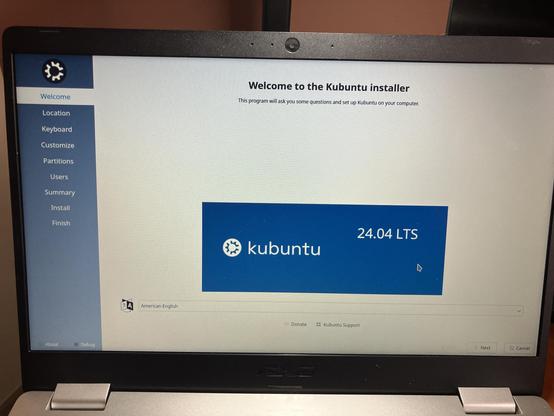
The first round failed. I tried installing Kubuntu but it failed with the same ‘unable to install updates’ error that I’ve run across on previous installs.

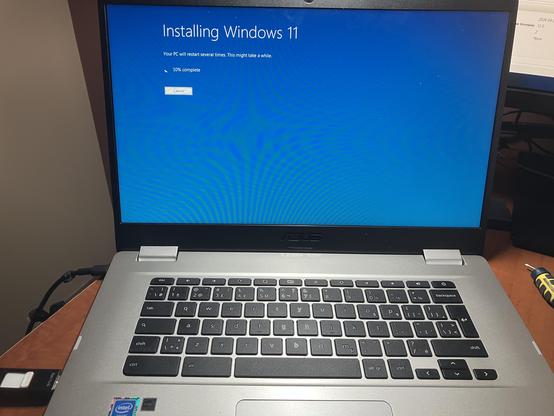
Right now I’m installing W11 for lark. It seems to be working! 😂

#RightToRepair #HardwareHacking #JailBreaking #Chromebook

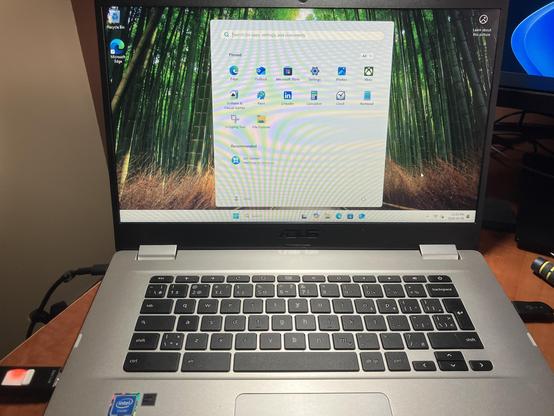
Holy shit it works!

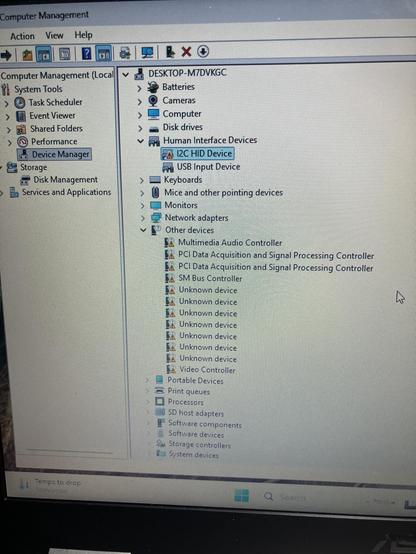
There’s a few pieces of hardware it doesn’t recognize (including the touchpad)

#RightToRepair #HardwareHacking #JailBreaking #Chromebook

OK, enough playing around, it’s time to get serious.

#RightToRepair #HardwareHacking #JailBreaking #Chromebook

@crispius

Go team Tux! I haven't put linux on a chromebook in over 5 years but I'd be happy to help out and rack my rusty memories if you need it

@crispius i feel like you're gonna don a welding helmet and light a torch...
@crispius oh man I loved it when Jamie cracked a joke 😆😆

@crispius I've done exactly that to a Chromebook and installed proxmox on it. It can handle some small workloads, serve as part of the 3-member minimum quorum and break ties, and it has a built-in UPS too. I did have to buy a usb-c to ethernet adapter for it though, definitely don't want WiFi.

Mr Chromebox stuff was great!