 shr
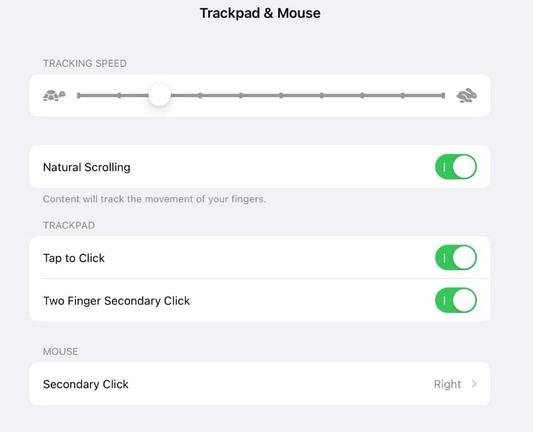
shrUsing an iPad Pro with a mouse/keyboard and extended monitor feels so janky. Scrolling is weird. I can't use all my Logitech mouse buttons. I click control center on my monitor, and it opens up on the iPad screen (???). I tried dragging one window from the iPad to the monitor and the whole OS crashed. You can't use your monitor with the iPad screen closed. How do people live like this?? #iPad #iPadOS #Apple #tech
Minor correction: Discovered that some of my logitech mouse buttons can programmed under Accessibility settings. Scrolling is still janky af however. #iPad #iPadOS #Apple #tech
Regarding Logitech scrolling issues with iPads, I found the advice of this article helpful. Scrolling improved a bit after following these steps, but it's still not buttery smooth like trackpad scrolling.