Not me. Just now, I used different email address and country. And in both cases I checked my Junk/Spam folder as well. No message. Nothing other than “Could not reach the server. Please try again later.”
#eurosky
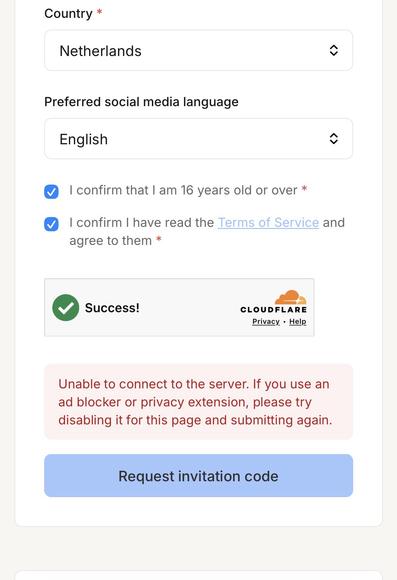
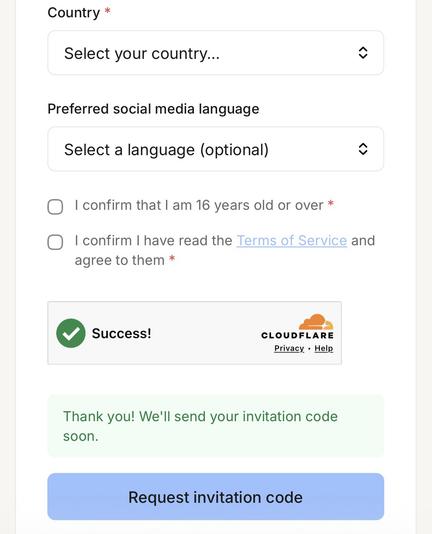
I tested it again. First I got a new notification: “Unable to connect to the server. If you use an ad blocker …” (screenshot 1). I didn’t use an ad blocker but a VPN— so I disabled it. Now it’s working without VPNs (screenshot 2).
CC: Does it work for you, @[email protected] ?
You’re welcome. I don’t know if that was the issue because:
- I managed to request invitation codes (using VPN) long before the launch of new www.eurosky.tech.
- There’re two different notifications (see previous screenshots).
- Don’t know if @[email protected] uses an ad blocker or VPN?
Eurosky - Building a thriving open social web for Europe
Eurosky is a European initiative to build and operate sovereign social web infrastructure
I added more granular notifications today to help identify the issue, that’s why it was different the second time round! VPN was probably okay with the previous setup but not the new one.
 Lia Belle 🌷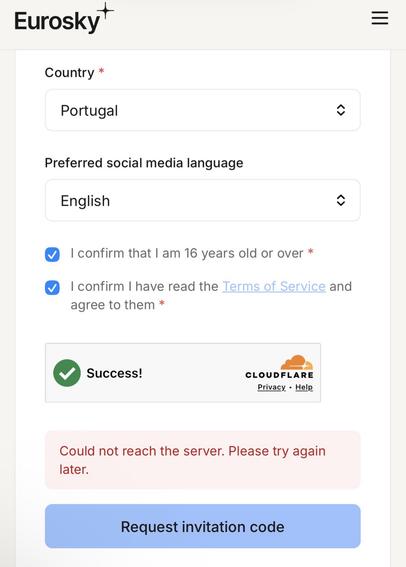
 Sherif EA