 Justin Scholz
@holtwick Hi, ich hab bx-mac mal probiert - aber ich bin mir nicht sicher ob ich das Modell richtig verstehe. Wenn ich beispielsweise claude in ~/Documents/Development öffne, kann Claude auf ein Dokument in ~/Documents/mydoc.pdf lesend zugreifen und ist nicht blockiert - ist das expected behaviour?
 Dirk Holtwick
@jmovs Ne, eigentlich nicht. Manchmal sieht man die Dateien, aber sie lassen sich nicht öffnen. Oder wenn die Datei nach dem Start erzeugt wurde, ist sie evtl. auch nicht geschützt. Wenn du bx --dry machst zeigt er dir alles an, was er schützen wird. Danke für's ausprobieren! https://github.com/holtwick/bx-mac?tab=readme-ov-file#%EF%B8%8F-known-limitations
@jmovs Fuck, du hast recht! Ich werde versuchen das schnell zu beheben... peinlich.
@jmovs So, jetzt sollte es wieder gehen in bx 1.2. Allerdings kann man die Dateien sehen, jedoch nicht lesen. Das ist der Sandbox geschuldet, leider nicht so ideal. Also evtl. die Ordnerstruktur etwas anpassen. Ich habe z. B. eine ~/work Verzeichnis in dem ich arbeite. https://github.com/holtwick/bx-mac/releases/tag/v1.2.0
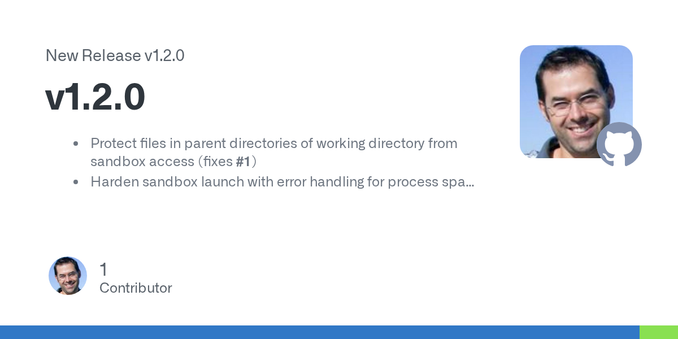
@holtwick Ich hab mal noch ein wenig weiter rumgespielt auch mit der 1.2.0 - https://github.com/holtwick/bx-mac/issues/2
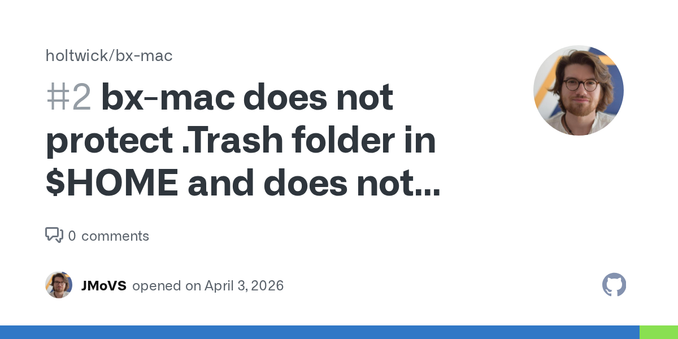
bx-mac does not protect .Trash folder in $HOME and does not seem to protect .files in $HOME · Issue #2 · holtwick/bx-mac
Hi, I checked a bit more with the just released 1.2.0 version but discovered that the whole ~/.Trash folder seems accessible (and can contain a lot of data) and dot files in the home directory are ...