 Scott Erichsen
 Jonathan Mosen
If, like me, you are #blind and following the #artemis2 launch, AI can play a wonderful role in bringing it to life. NASA is displaying graphics on the screen showing various progress and status indicators. If you have a phone capable of Apple Intelligence, put the YouTube feed into full screen, then ask Siri to describe the screen. This will send a screenshot to ChatGPT and it will give you a detailed description of the graphics.
You can also achieve something similar on a PC using PictureSmart in JAWS and similar tools.
I have longed for the day when humans continued our journey in space. Super excited about today.
You can also achieve something similar on a PC using PictureSmart in JAWS and similar tools.
I have longed for the day when humans continued our journey in space. Super excited about today.
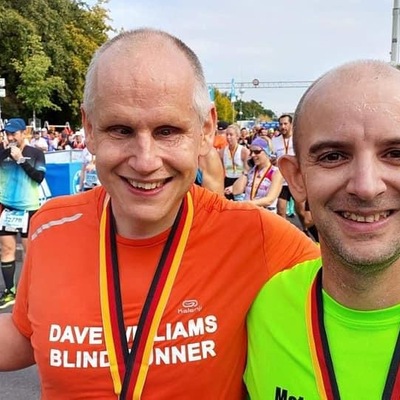 Dave Williams