 Freedom Scientific / Vispero
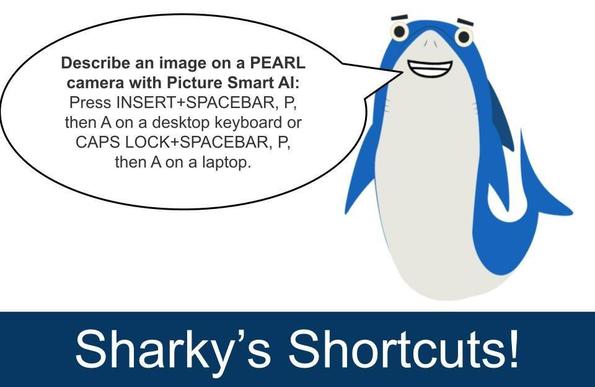
Use INSERT+SPACEBAR, P, then A to capture and describe an image with a scanner or PEARL camera. JAWS sends the image to Picture Smart AI and displays a description in the Results Viewer.
Great for printed documents, photos, or physical items.
Tip: If you want a more detailed description right away, you can use INSERT+SPACEBAR, then P, then SHIFT+A.