Hello, #fediverse! I'm looking for some advice and recommendations, so please feel free to boost or tell me my assumptions are wrong.

I've been lucky enough to land a place on an Online MBA course, but I get the feeling the exams are likely to be "proctored". I'm not sure they're going to be very happy with my weird Linux set up.

I've managed to score a cheap Windows 11 key and plan to install and boot it on a USB thumb drive. I'm looking for recommendations on the fastest drive. Any ideas?
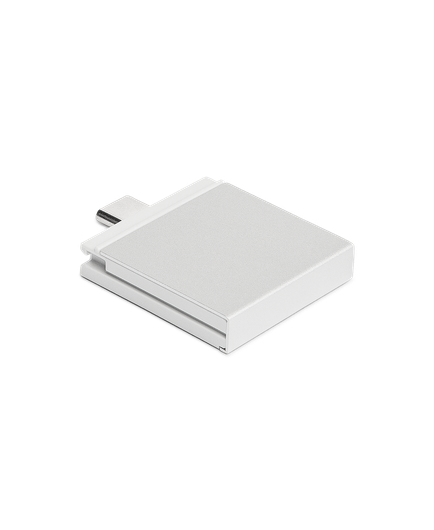

Alternatively, does anyone have any experience with the #framework laptop storage expansion cards?

https://frame.work/gb/en/products/storage-expansion-card-2nd-gen

On paper it looks like they match all the SanDisk and Kingston sticks I can find.

Storage (2nd Gen) Expansion Card

Ultra high speed storage, available in two capacities. With a USB 3.2 Gen 2 interface, both the 1TB (2nd Gen) and 250GB (2nd Gen) cards reach 1000 MB/s read and 800 MB/s write speeds. Both are fast enough to run apps and even boot an operating system from, and you can plug them into other computers

Framework
@mike I've not used these, but I have two nvme drives I use in my framework. My regular Linux one, and a Windows 11 one for client work. It's pretty quick to just pop it open and swap the drive.

@edinburgh_man That's a good suggestion, thanks. Ideally, I'd like to be able to switch OS "on the couch" rather than "at my desk", but the selling point of this thing was the customise-ability!

How well do the screws & threads hold up to repeated opening & closing?

@mike I've not noticed any issues. I've been doing this for a couple of years now. I don't use windows as much as I used to, but for while I was doing this every other day. Now I'm down to one or two times a week. Still holding up!
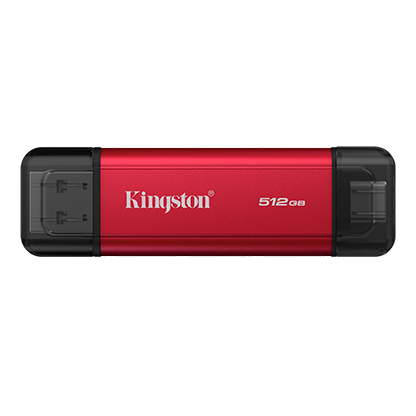
Dual Portable SSD - USB Type-A and Type-C - Solid-state drive - Kingston Technology

Kingstonโ€™s Dual Portable SSD offers speeds of up to 1,050MB/s for USB-C and USB-A devices, storage up to 2TB, metal casing and cable-free convenience.

Kingston Technology Company
@mike what about an nvme ssd in an external enclosure connected via USB-C? Set your BIOS to boot via USB first and boot with that when you need it.