 Niléane
Big news!
I'm launching a tiny Mac app 🥺🔍🤏
 It's called TinyStart, and it's a lightweight Launcher and Emoji picker for macOS!
Unlike Spotlight, TinyStart is super fast at showing results and launching apps. It never becomes overcrowded with search results you don't need, and it lets you open URLs, perform web searches with custom search engines, and quickly open folders in Finder.
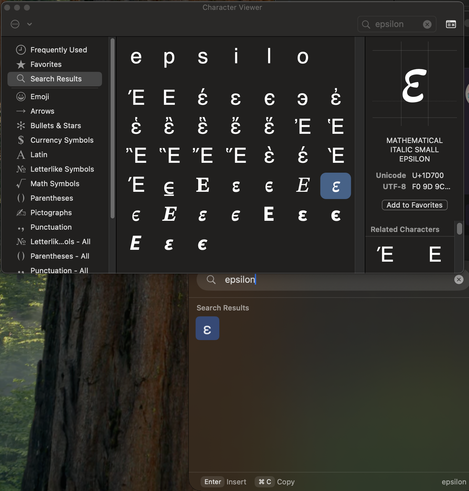
Oh and yes, I think the Emoji picker is pretty good too. It's everything the default macOS Emoji picker isn't: it's fast, it lets you insert Emojis in any text field, it isn't picky about keywords, and it learns your favorite Emojis over time.
Get TinyStart at https://tinystart.app: it's €5, you pay for it once and future updates are free!
also I made a lil' video to show you what it looks like:
 Will Henney