 Christine Lemmer-Webber
Yolo Linux https://yololinux.com/
 lgsp
lgspWhat could go wrong?
rm -rf /

Summary Claude sonnet 4 used rm - rf $HOME/ after I asked it to make a commit to my git repo. Description Steps to trigger the problem: I have honestly no idea how it happened, but I backed up the ...
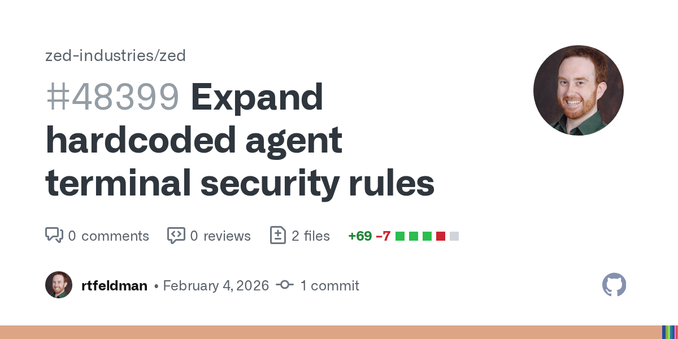
Expands the hardcoded security rules that block dangerous rm commands in the agent terminal tool. Fixes #37343 New blocked patterns rm -rf $HOME / rm -rf $HOME/ / rm -rf ${HOME} / rm -rf ${HOME}/ ...
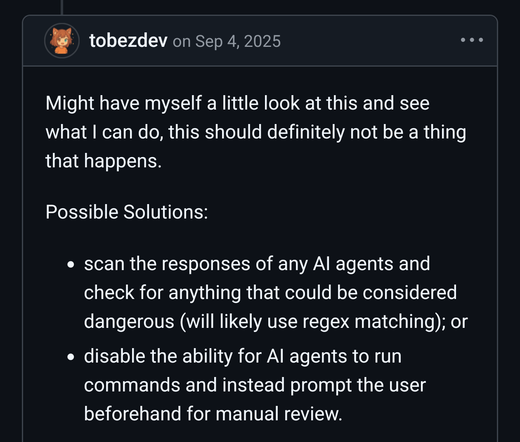
"Should definitely not be a thing that happens"
Really? What exactly is the mechanism in the agent that should prevent "this thing" that happened?
Potential solution:
"Scan the output for anything that could be dangerous"
I'm not very good with regex, but seems a little bit of a stretch that you're going to create a way to detect any possible dangerous activity in any given scenario.
Delusional.
Expands the hardcoded security rules that block dangerous rm commands in the agent terminal tool. Fixes #37343 New blocked patterns rm -rf $HOME / rm -rf $HOME/ / rm -rf ${HOME} / rm -rf ${HOME}/ ...
@be @lgsp @cwebber I downloaded the interaction log to find why it decided to delete the user's home
For some reason I can't see in the log, there is a folder literally called $HOME in the git repository's root and below src-tauri where a /.rustup/settings.toml was created, maybe due to something the user did? Perhaps an accident when copy-pasting a command like "echo 'blabla' >> $HOME/.rustup/settings.tomlcaused something on the way to quote or escape the$HOME` to make it become literal? Maybe opened in "File Open" dialog?
Then the agent recognized that there were some unwanted unstaged files in git status and emitted a git reset HEAD ... for the paths, but didn't have anything that would make $HOME in this case literal, so the git command failed with is outside repository. No reaction to the failure in the output from the agent here.
A later git status showed the files again and that's when the agent spat out the rm -rf command that passed $HOME directly to the shell :D
@cwebber @be @lgsp my assumption was that this part:
Tool Call: git status
Status: Completed
Terminal:
meant that the literal output from the terminal command was put into the interaction log by whatever runs the agent's LLM, so it would surprise me if a hallucination in this part of the log is even possible
 unable to decrypt message
 sb arms & legs
 Sharp Cheddar Goblin
 Francesco Degrassi
 SP⟁CED GO⟁T
 Timo the timo