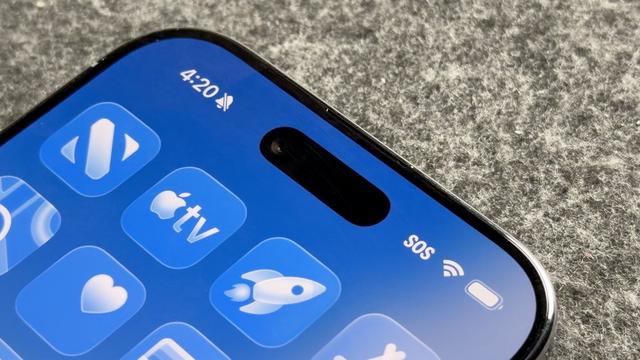
it’s very easy to dunk on liquid glass for looking like shit and being inaccessible trash but now that I’ve been forced onto a new version of iOS and have first-hand experience with it, I feel it’s important to tell the truth:

it works like absolute shit too. who the fuck’s idea was it to make notifications work like this? who fucking sat there and decided what I wanted from the keyboard was for someone to fuck with its layout for no apparent reason?

not since the 90s have I interacted with a system UI whose animations were apparently designed to be as distracting as possible. I just looked at a masto notification and wondered why it had a weird tattoo (it was the UI of my active app showing through in bright blue, and I’ve got liquid glass on the “tinted” setting)

all my icons are fucking ugly now but the updated ones are worse. the calendar widget is a weird blob now. everything on my widget page is a weird blob.

@zzt There's a slightly more nuclear option buried in accessibility settings: "reduce transparency". It's a bigger hammer than "tinted" but it does a much better job IMO.

@becomethewaifu @zzt I scrolled to see if someone left this suggestion; this is what I do to handle it. Both in iOS and MacOS, it mostly handled issues I have with liquid glass and I basically forget about it altogether.

Hopefully this trick works better, cuz I too was very disappointed with the “tinted” setting.

I don’t expect this joke of a design system to stick around after 26, I am hoping they intend to just bury it, with the main director who forced this shit moving on to another role.

Stop holding out hope, Liquid Glass will be mandatory in iOS 27

The Liquid Glass design that rolled out with iOS 26 isn't going anywhere, according to a recount of an Apple Developer workshop.

AppleInsider
@NotKnown @becomethewaifu @zzt gods help us all