@anthony I’m curious how easy it is the setup for multiple cores.
@motionsuggests it's just a MiSTer, so the same as any other. I've not got mine up and running yet, but I'll likely just NFS it to my NAS like my others, so I expect it'll be easy

@anthony @motionsuggests I've put most of thy work in on my other mister, so I'm hoping I can just use the same memory card.

Your NAS idea is good but breaks if I take it to someone else's place - very likely for me.

@zorrobandito @motionsuggests yeah, I only use the NAS because I have four MiSTer devices and if I move from one to the other I don't want to have to mess around with ROMs or saves. If NFS fails to connect it uses the local version on the card, though. I suspect there's other solutions like synchronising files between NAS and local storage, rather than literally loading from the NAS itself, which may work nicer if you're taking the device with you
@anthony @motionsuggests out of curiosity, why do you have four?
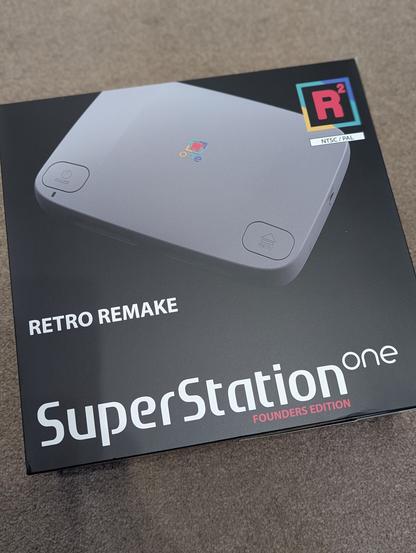
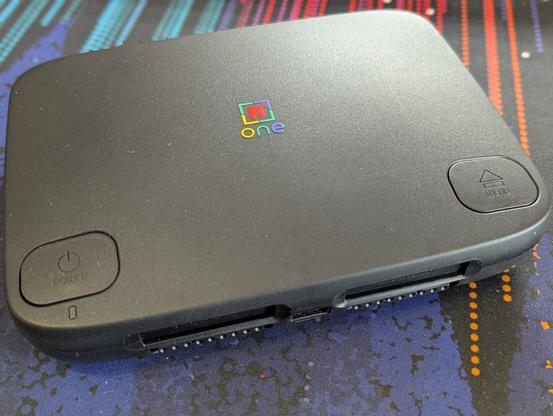
@zorrobandito @motionsuggests I ask myself the same question many times 🤣 I bought a couple of MiSTer Pi devices when they launched, but I really wanted something more consolised. When the SuperStation One was announced I had to have it. Then I saw the MultiSystem2 and I could get that even earlier. So now I have two regular MiSTer Pi stacks, a MultiSystem2, and a SuperStation One. Shame to not use them all, isn't it? 🤣
@anthony @motionsuggests you are not alone. When the Superstation arrives, I will have 3! An original, a Mistercade for the cab and the SS. I'm giving away the original to a friend though, so it won't be complete madness. šŸ˜‚

@zorrobandito @motionsuggests I was considering giving one to a friend. BUT WHAT IF I NEED IT ONE DAY?

You can probably imagine what my garage looks like 🤣