@shaknais @Edent this. I'd suggest something informative of the action, e.g. "copy code block to clipboard"
You probablly also want a tooltip ("title" is probablly fine) that says the same thing for sighted people who don't guess the symbol.

Edit, also ideally you'd confirm it happened.
E.g. change to "code copied"

Check how I do it on https://mypronouns.fyi/they/.../themselves
If you want "inspiration" (I'm not saying mine is perfect)

My Pronouns are they/.../themselves FYI

Here are some example sentences using my they/.../themselves pronouns

@M0YNG @shaknais @Edent

Consider no icon. That might double reach among sighted users, and removes the need for the a11y workarounds. From:

<button onclick=".." title="Copy code" aria-label="Click to copy code">emoji</button>

To:

<button onclick='..">Copy</button>

And then perhaps:

<button onclick="..; this.textContent='Copied!'"> Copy</button>

Python and several others do this. I implemented it in MediaWiki as well. E.g.:
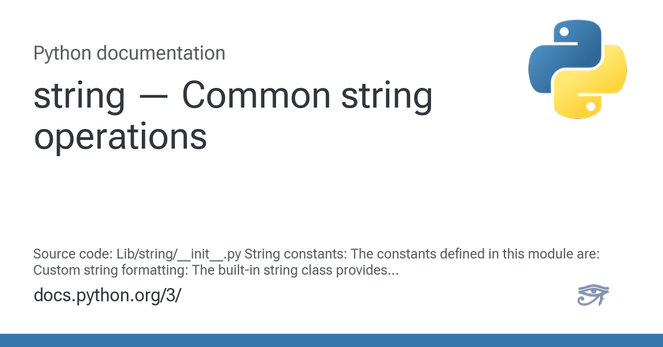
* https://docs.python.org/3/library/string.html#format-string-syntax
* https://www.mediawiki.org/wiki/Quickstart?safemode=on

#mediawiki

string — Common string operations

Source code: Lib/string/__init__.py String constants: The constants defined in this module are: Custom string formatting: The built-in string class provides the ability to do complex variable subst...

Python documentation