 somethingDotExe
what is this error?
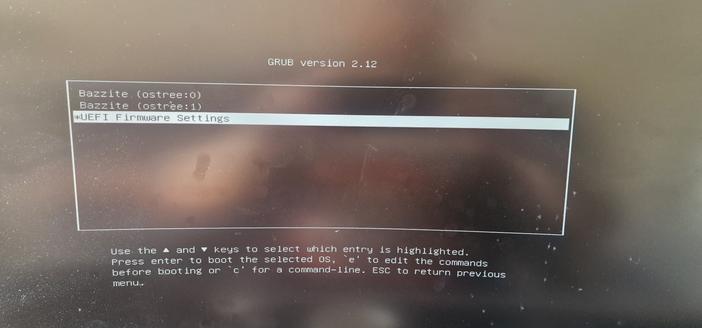
That’s not an error. That’s the boot menu. You probably hit a button while it was starting. It allows you to enter different boot options or when you have multiple operating systems installed you can choose which one to start.
Just select the first entry and hit enter.
 Björn
Björn rozodru