Today in "I paid for all the RAM I'm gonna use all the RAM" I am once again trying to work with OpenStreetMap SVGs of large-ish areas.

It still baffles me how - despite the facts that we as a modern society both frequently print and work with maps at a high resolution and have all the underlying data in entirely computer generated vector form - this continues to be such a major hassle.
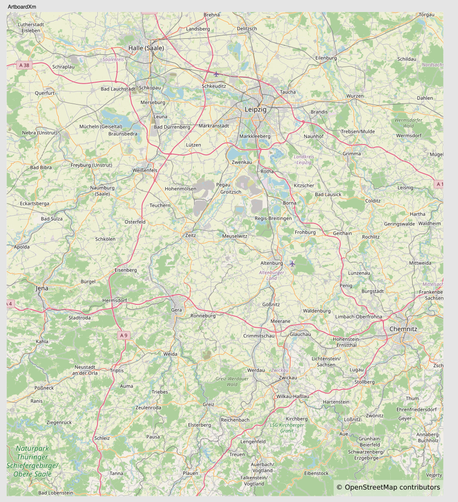
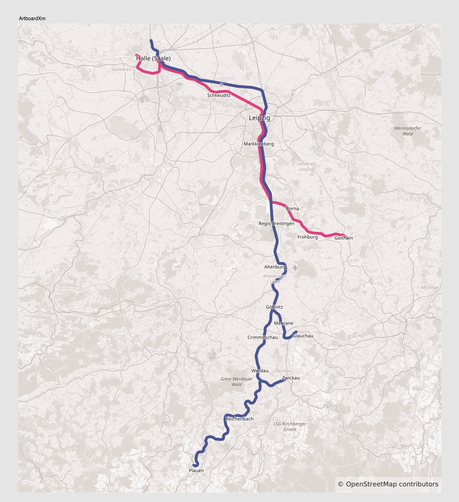
Now I guess there is a software called QGIS that _should_ be better at this than a graphics software workflow, but its UX is not intuitive at all and so that is a whole hassle in itself for such a simple task.

Meanwhile I know how to operate graphics editing software so I go with the workflow I trust.

When I first tried that - with a much smaller area btw! - on Inkscape, that was a no bueno. Inkscape cannot handle these SVG files.

Trying to do this at all on a machine with 16 GB of RAM is probably a bit of a stretch. Affinity Designer 2 - which is commercial paid software - does gracefully handle these maps without lag on a 24 GB RAM machine (and occupies 12 GB while doing so)
Now I want to add this to a DIN A0 poster for print that I've edited with Google Slides (only because the template delivered by university was in pptx format and Google Slides handles pptx well). Why one creates a poster for print in presentation software I don't know, but I guess it is the only piece of vector-ish software that the average joe knows?

Google Slides - just like LaTeX - does not accept importing vector graphics without doing bs workarounds first. WHY? Vector graphics are needed in every professional environment AND both of these software packages work with vectors internally?

And Google anticipated outsmarting it in the same way as LaTeX (exporting the image as lossless PNG at a higher DPI than the printer can produce, creating effectively a lossless result compared to working directly with Vector graphics) and caps individual graphics resolution. Okay a 128 MB large PNG at a resolution of 20k pixels was maybe a bit mean to throw at it 😁

But! It turns out that - since I need none of the key features of a presentation software, such as handling multiple slides in order, producing automatic footers etc - I can export from Google Slides as a PDF and surprisingly Affinity Designer 2 can just handle those?

Alright time for the toys to move over, Affinity is the real tool here. Also offers proper colour palettes for print.

a bit of cleanup later...