 Geek Rewind
Manage Location Services in Windows 11 Photos App
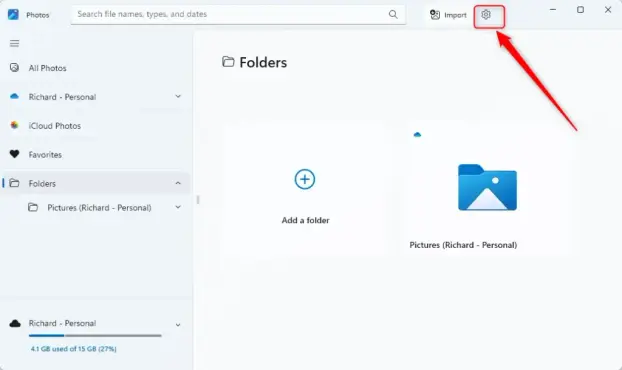
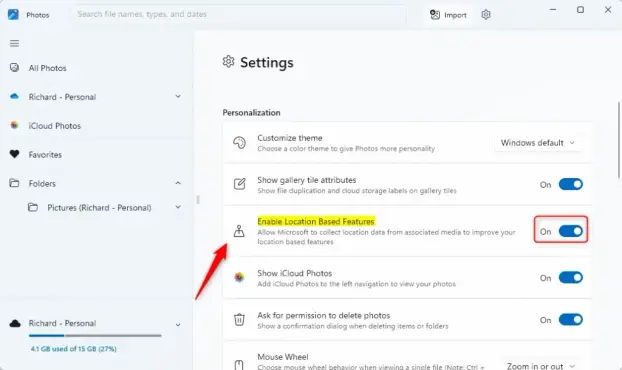
The article provides a guide on enabling or disabling location-based features in the Windows 11 Photos app. It explains that enabling this feature allows automatic tagging of photos with location data for better organization and search. To enable or disable this feature, users can access the Settings in the Photos app and toggle the "Enable Location Based Services" option.