
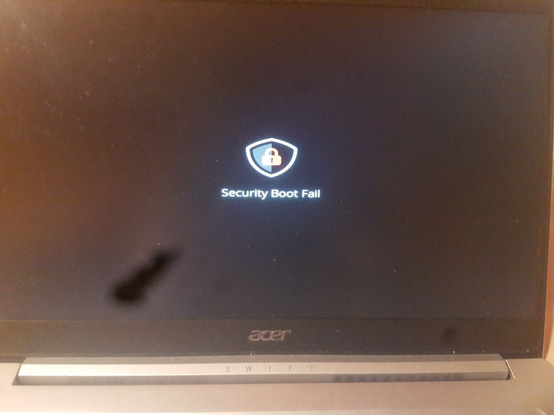
Welp. I have encountered a Acer Swift 3 SF314-42 laptop which actually enforces secure boot by default AND where the UEFI setup menu for options relating to secure boot have been greyed out.

I was trying to install Alpine Linux on this machine, but seems like I will have to make a bootable USB with the shim to get it to boot. Interesting.
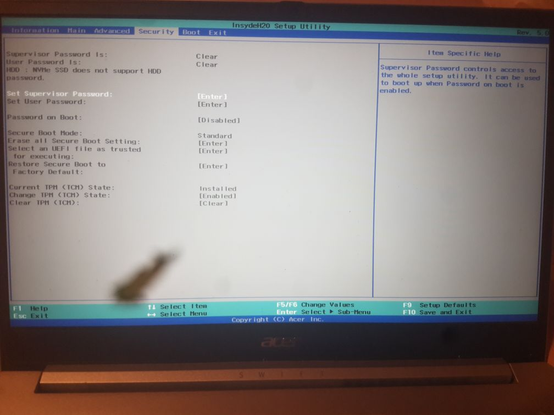
@sleepyowl Had the same problem once on my old acer laptop. I had to set a UEFI/BIOS password. Then I was able to change the secure boot options. Maybe this helps?
@nath the problem is that everything, including the UEFI password menu is greyed out and cannot be changed

@sleepyowl @nath
I assume F9 (defaults) are too locked. Possibly this is a "managed" box.

You can try to set user password then after reboot enter a garbage. If MDM policy was to wipe out you'll get the recovery hash. Box is old so the bios-pw should resolve it to the admin password.

If it was set such taht afaik should wipe all kept in TPM keys and restore the defaults. If not... I dunno :))

Hope this helps.