 Geek Rewind
How to Change Browser Theme in Google Chrome
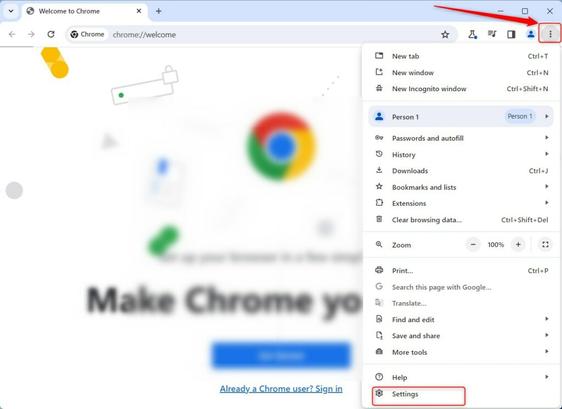
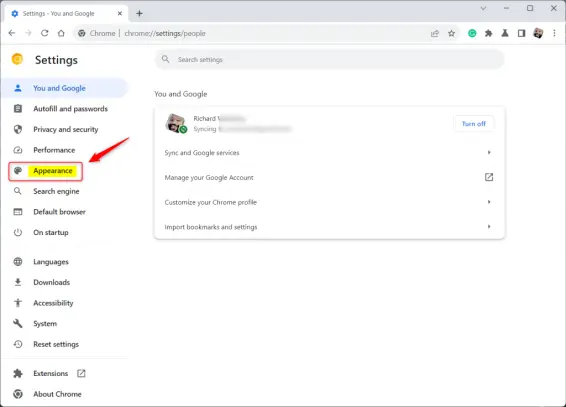
The article explains how to customize the theme of a Google Chrome browser for a more personalized browsing experience. Themes are stored in your Google Account for consistent appearance on different devices. The process includes navigating to 'Customize and Control', selecting 'Settings' and 'Appearance', and then choosing a theme from the store. To undo changes, click 'Reset to default' under 'Appearance'.https://geekrewind.com/how-to-change-browser-theme-in-google-chrome/