 DJ Sundog from the *new* toot-lab
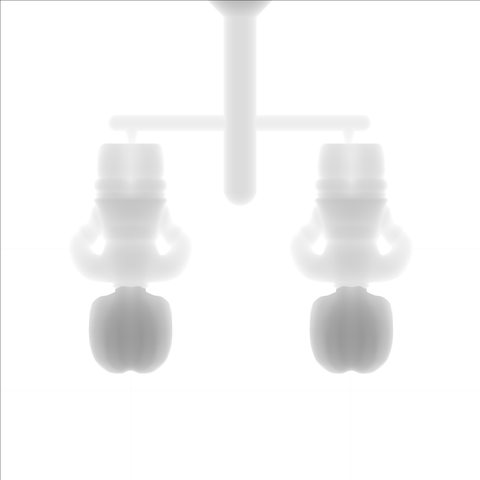
There’s a tool I use to generate depth maps (grayscale images that denote depth using white as “no depth” and black as “as deep as it goes” and breaking up the layers in between into the number of grays the image uses) from STLs (meshes for, generally, 3D printing) so we can take our prototype 3D printed molds and reproduce them in aluminum using our fiber lasers (in theory, when everything is working correctly).
It’s a single web page, in which is some javascript that does the actual generation of the depth map, completely offline in your browser. It is super simple and it does the thing, so that’s what I’ve used since I found it.
But.
 Mayor of Banjotown