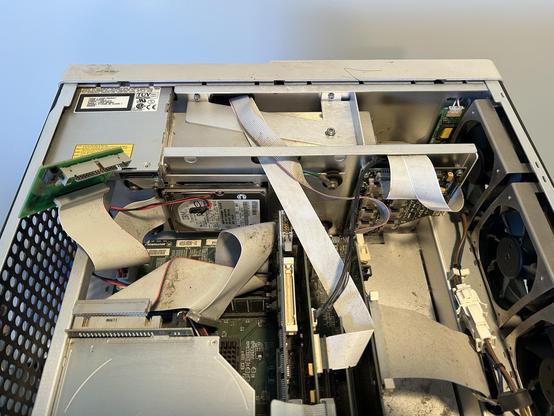
Scope update: one had a spinning HD but no BIOS boot screen and lots of beeps, the other has boot screen but no HD.

Trying to extract the HD, but the Agilent design dumbasses made it so that you need to disassemble pretty much the whole scope just to extract the HD…
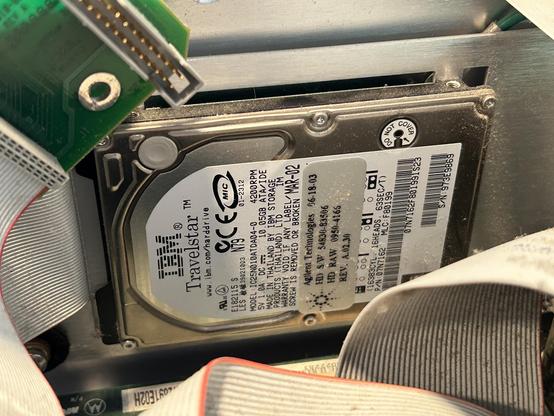
It’s an IBM TravelStar, close cousin to the IBM DeathStar and just as prone to catastrophic failure…
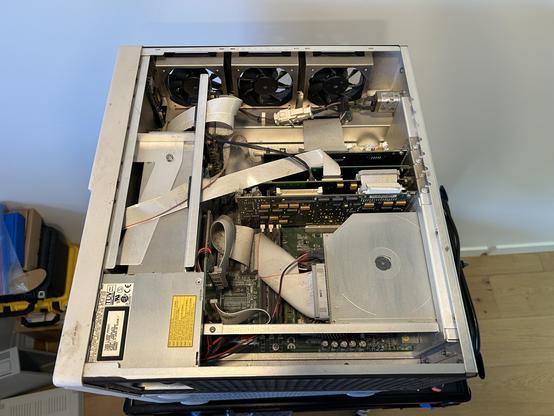
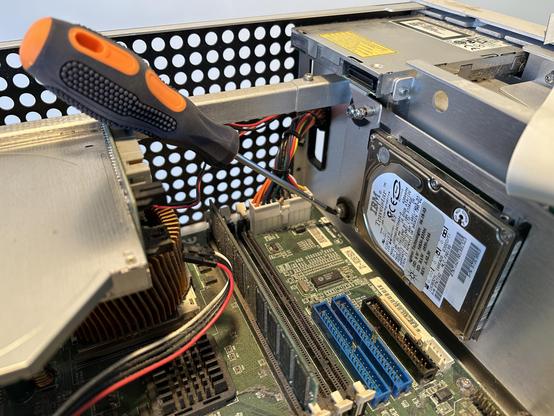
Most of the effort is because of this %%**^% screw.
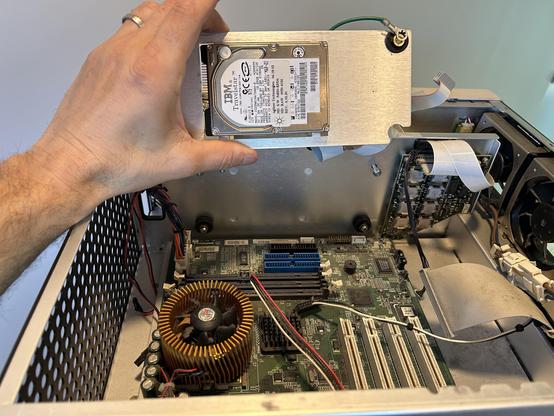
I’ll admit: Agilent tried hard to shield the HD from vibrations… It is mounted on a holding plate with rubber spacers.
HD liberation!
I’m 99% sure the drive is dead, but hoping for that 1%, so let’s connect to a IDE to USB adapter.
IT'S ALIVE!!!
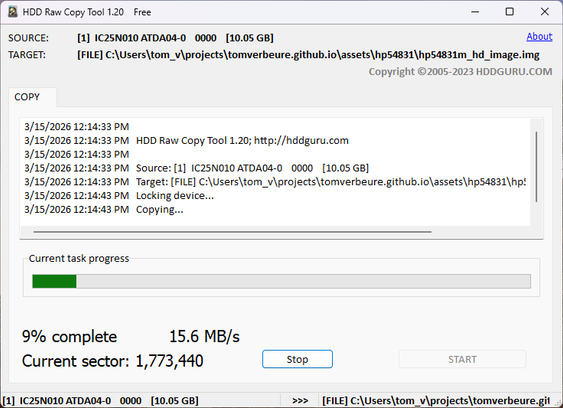
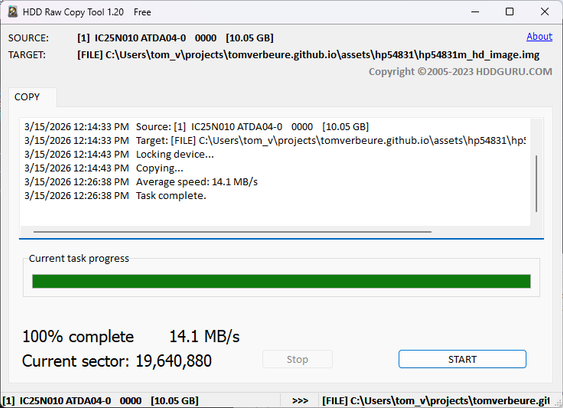
Full HD copy went smooth without any audible attempts to retry and no errors reported.
I also checked if there was any proprietary data left from the previous owner, but no. 🙂
Next step: trying to make this things boot. Replace bios battery. Connect VGA monitors. Anything to get some amount of life out of it beyond ominous beeps and a black screen...
Long beeps. No BIOS screen. Only RAM and alternate VGA card plugged in, but even with those unplugged it behaves the same. CPU fault?
I could try swapping the motherboard of the other scope…

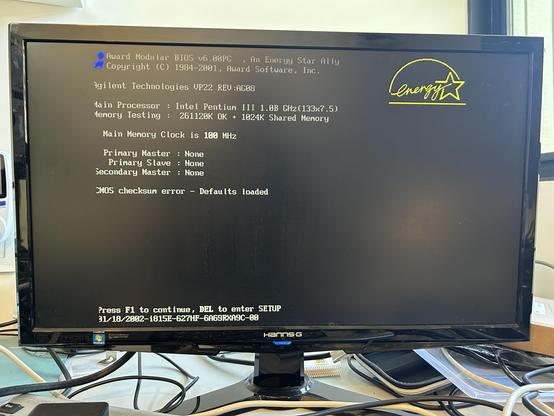
The BIOS screen is up!

All it took was remove the CPU from the socket… and put it back.

This is with a generic VGA card and HD disconnected. I can now start to put the removed components back.

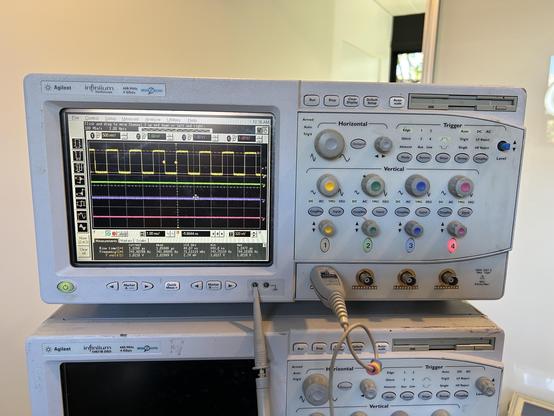
The money shot: the scope is working fine. 600 MHz/4 Gsps.

Not bad for a day of playing around. 4 Gsps works fine, but only when 1 channel is enabled, it drops down to 2 Gsps when you switch on another channel.

I need to figure out how to upgrade it from 600 MHz to 1 GHz. It’s supposed to be only a resistor fix. And there’s a second identical scope waiting too. $200 well spent.

@tom_verbeure it's not one of those 1/3 and 2/4 share A/D? So you can use 1/3 or 2/4 at full speed, but not 1/2?
@petrillic I'm not sure. Haven't gotten around checking out the official specs.