Google Mail / "GMail" has no fewer than nine settings for "Smart Features and Personalization", e.g., Gemini. I have these all turned off in order to prevent Gemini ingesting my emails. To do this, you now have to opt out of benign machine-learning or even pattern-matching-based features, like sorting promotional emails from regular ones or spellcheck.

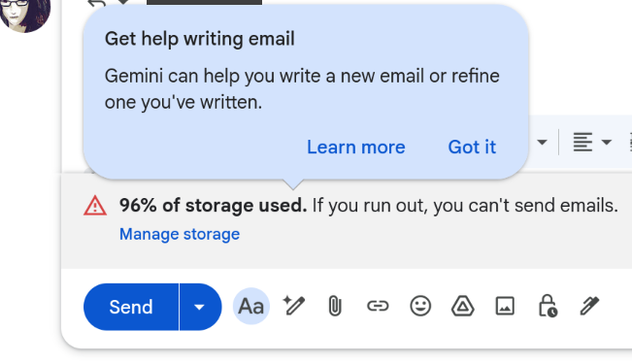
Despite this, as of today, Google is offering a Gemini smart compose feature on all my emails, despite me having turned off smart compose.
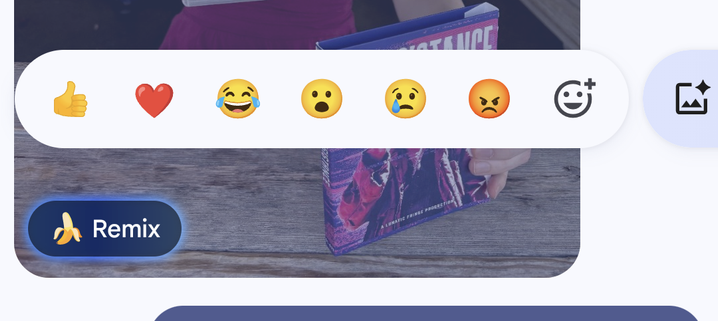
Related, consider the Android "Messages" app. This has checkbox settings for "Smart Reply"; two additional checkboxes for "suggestions" of stickers and "actions"; and a fourth checkbox, "Gemini in Messages", for explicitly turning off Gemini. I have turned off all of these. Despite this, this week I discovered that if I long-press or open ANY image in Messages, there are two buttons, "Remix" and "Create", which Google's documentation explicitly says network-sends the image to, quote, "Gemini".

Now one *assumes* these buttons don't activate unless pressed, but there's a problem. First, the checkbox to disable "Gemini" in Messages itself only turned off an activate-on-select button. Second, on a phone— where "scroll" and "tap" are both taps— accidental activation of buttons is a part of life.

This happens to me again and again, with Google, with Copilot in VS Code, with everything. A company adds an "AI"-branded feature with an off switch, you turn it off, they later enable it anyway.

The repeated lesson here is that a company, organization, computer program, or person who uses the privacy, environmental, and trust disaster sold as "generative AI" for one thing, can no longer be trusted for any thing. If it is tolerated for one thing, it will eventually be used for all things. If a program adds an optional "AI"-branded feature you *have* to stop using that program completely, because if (when) the company feels the use metrics are too low they will stop making it optional.
@mcc Hello, Firefox… 😒