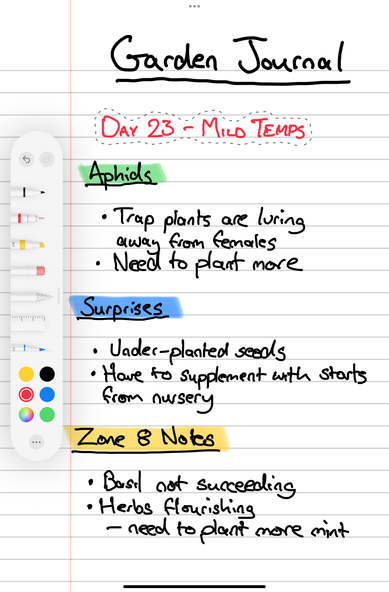
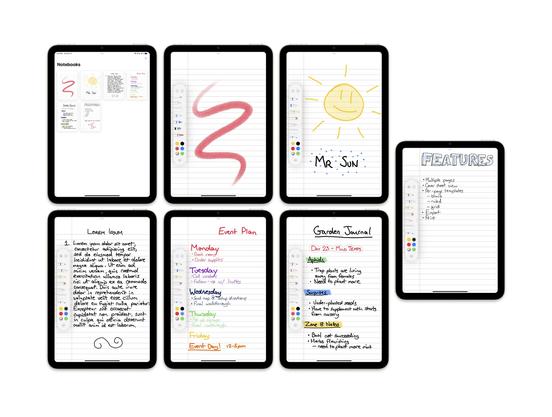
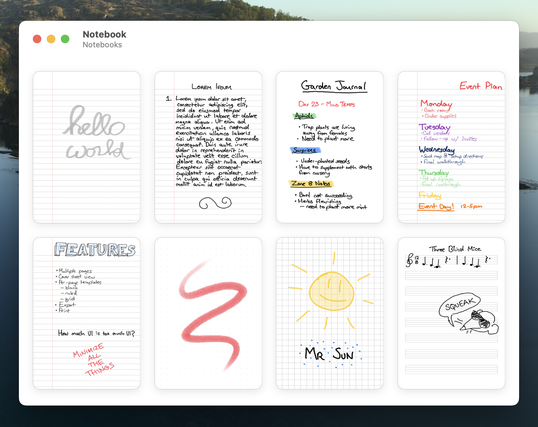
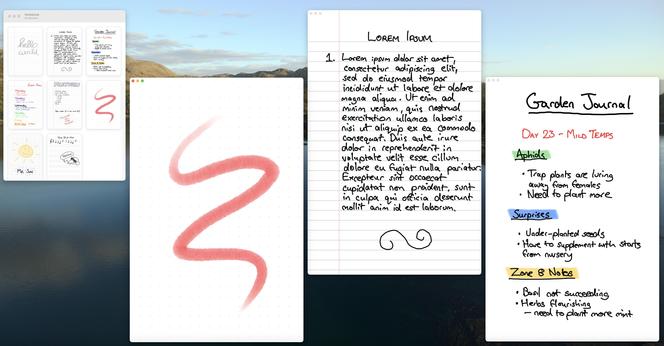
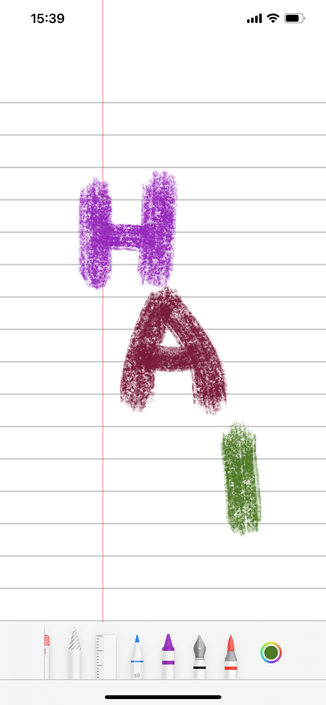
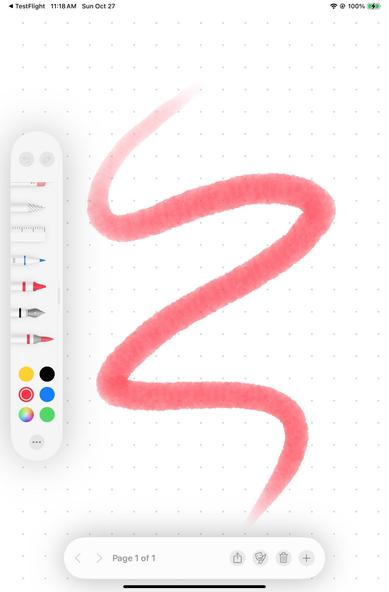
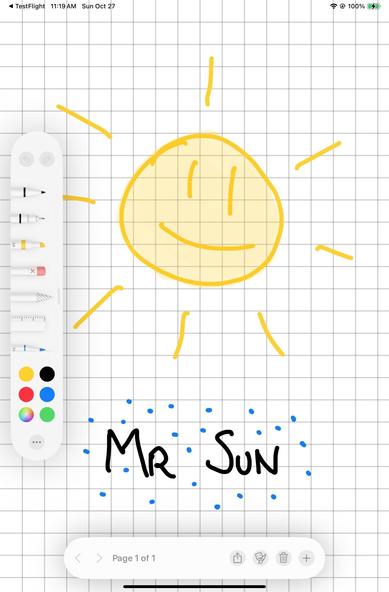
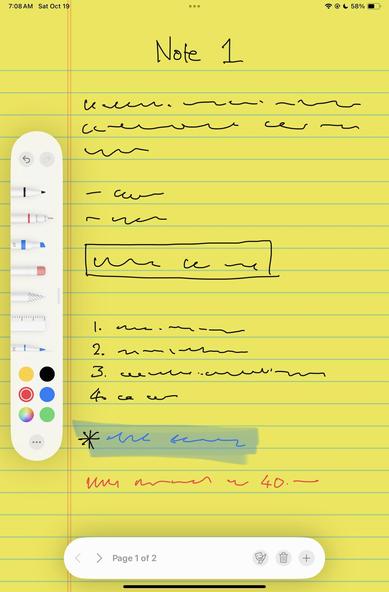
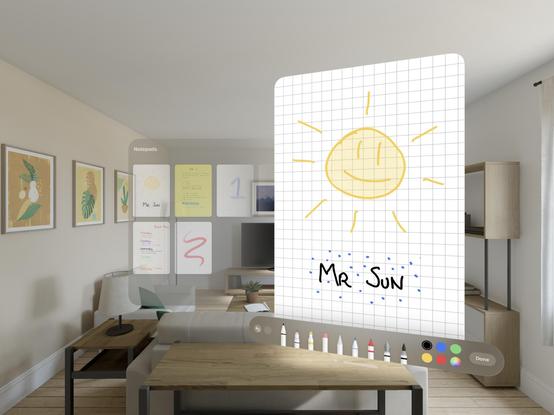
Keeping the minimal theme in mind, I haven't quite found a note taking app that works the way I want, so I'm prototyping something new for the first time in a while
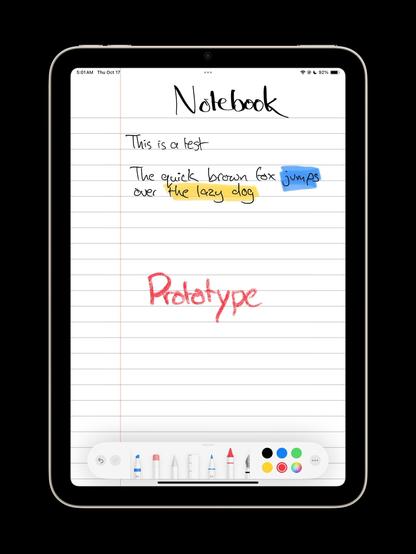
What I'd like to see is something you could lock an iPad into kiosk mode with, and never have to worry about UI or settings or syncing or accounts. Just turn it into a permanent notebook, with no distractions or notifications
Working canvas and data store 👌
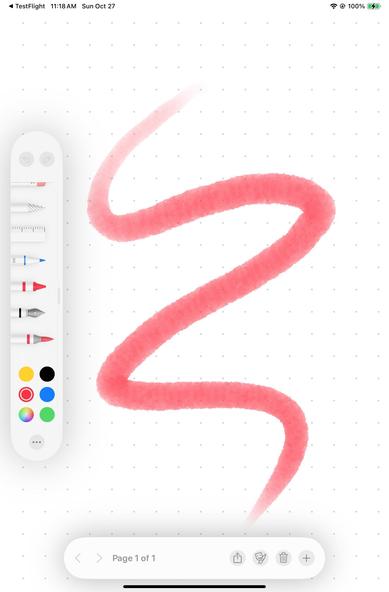
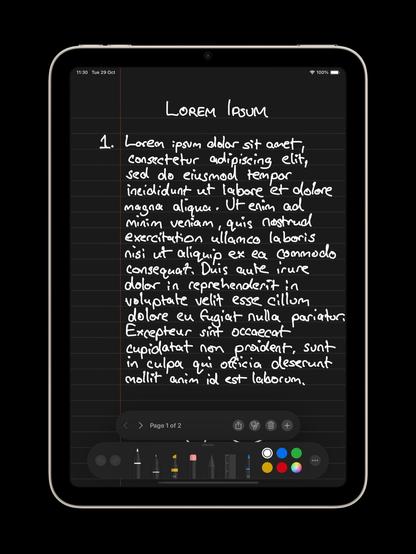
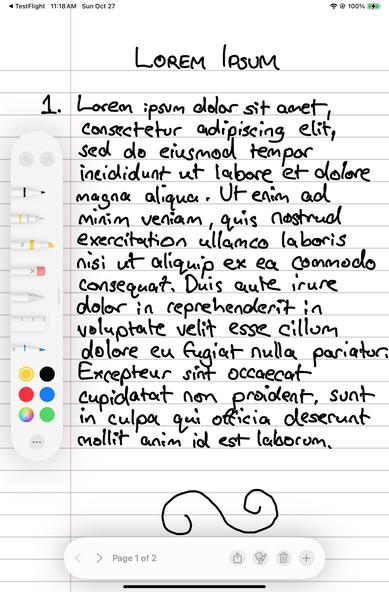
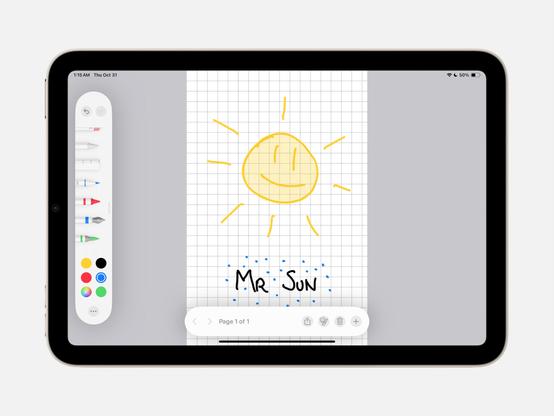
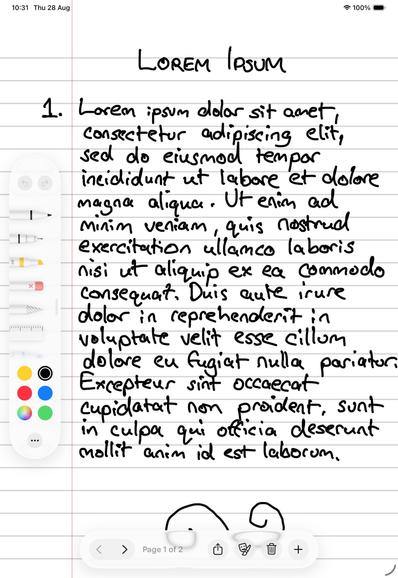
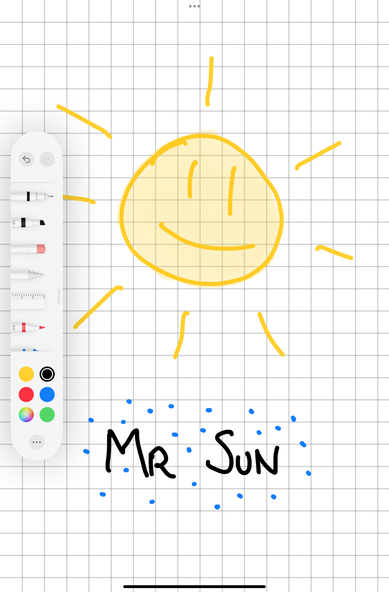
I have a very love/hate relationship with the PencilKit tool picker. I love the power it has, but I can't stand how floaty it is and how easy it is to accidentally fling it across the screen or minimize it into a circle when you're hitting the undo button. That said, the margins of a page are a perfect place to leave it

Always fun when you can use an app to plan its own development 😄

And just so nobody gets their hopes up: I’m only building this for me, no intention to ship it at this point.
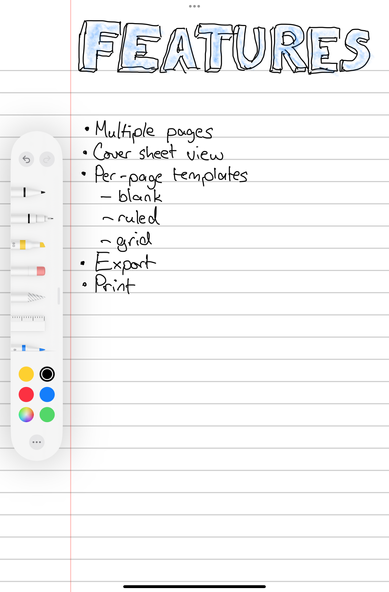
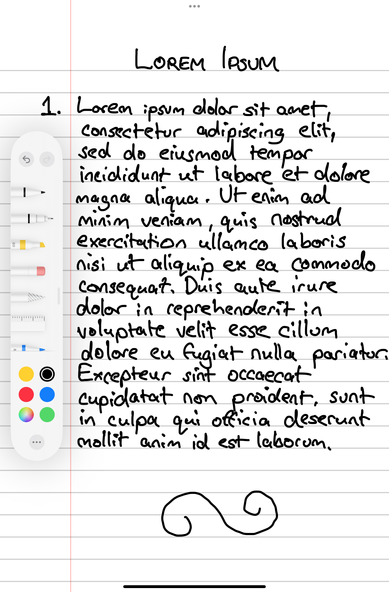
I'd call that a successful phase 1 prototype. It's both functional and useful, and raises lots of questions as to what I would do next. It also highlights some pitfalls: writing on iPad mini just isn't very pleasant (the flexing is really getting to me), and PencilKit’s floaty toolbar is already annoying me, but it has so many features built-in that it's going to be tough to recreate. Maybe the solution is just to have 'pen', ‘pencil’, 'highlighter’ presets, and give up all the other tools
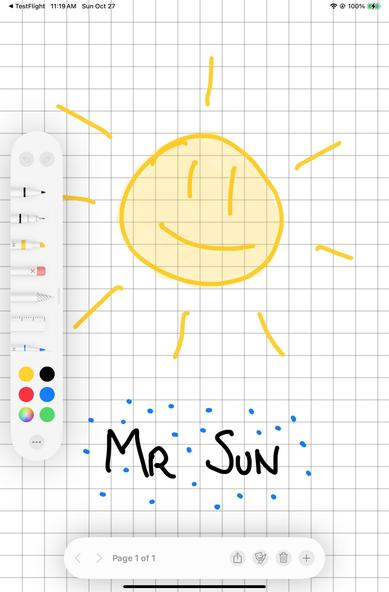
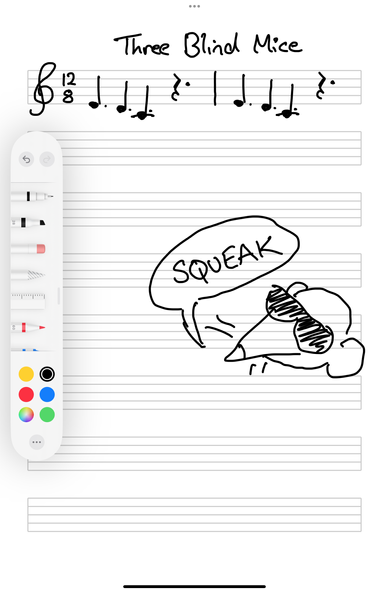
Easy to add in new page templates
Little video demo, just because it’s a fun little app
PencilKit is a very different beast on macOS, but a 'viewer' app isn't unreasonable
It would make my life a lot easier if I could just pretend scaling doesn't exist…
Doing some last little changes before heading off on vacation — added pagination to the prototype (UI temporary). Now it's actually a fully-functional notebook. One that only works with the iPad mini, in portrait, but good enough for now!
Anybody got a quick fix for using tap gestures on PencilKit canvases to show/hide UI without bringing up the selection controls?
In the meantime, pretty happy with this UI. I will have to think long and hard about whether I want to pursue this as a product, or just keep it on the shelf for my own use. Making prototypes is easy, making products is hard
What other kinds of templates would be useful?
Making sure the basics build on everything
I mean, *yoink*? If nobody else is gonna claim it, I'm taking it 😂
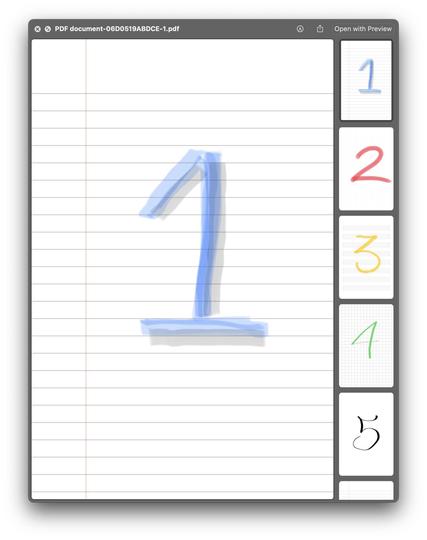
Added multi-page PDF sharing and printing, because it was trivial anyway

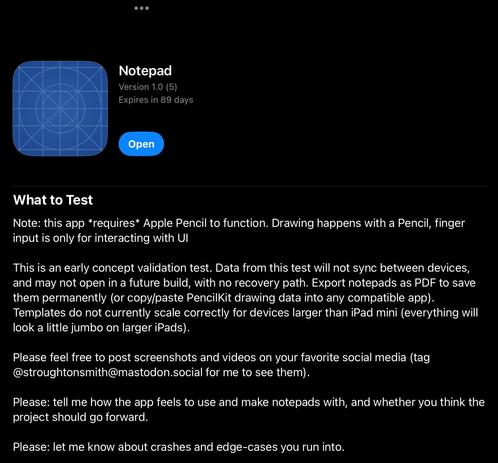
I never do a TestFlight this early, but I wouldn’t mind some external feedback/inspiration in my downtime this week, so I’ve opened 100 slots on my Concept Validation Test of my little Apple Pencil/iPad notebook app. Pencil is *required* to function. It’s so early the app doesn’t even have an icon yet.

Please read the instructions (screenshot attached).

Friends/mutuals: if it fills up and you’d still like to try it, send me a pm with your testing email.
https://testflight.apple.com/join/3X47Abyd

Join the Notepad beta

Available on iOS

(And do share screenshots! Inspiration is always welcome)
Will be opening more TestFlight slots sometime next week, once I get home and push out a build that fixes the screen/page scaling issue. Watch this space!
Picking this back up this weekend. Desperately want to get out a fixed build for iPad mini 👀

New build! This one should work much better on your new iPad minis.

Also upped the number of TestFlight slots available, so if you want in now's your chance (scroll back up this thread).

*Remember to read the test notes*; this is a concept validation build only, not a product in full development. If you want to inspire me to continue, send me screenshots of the notepads you make 😄
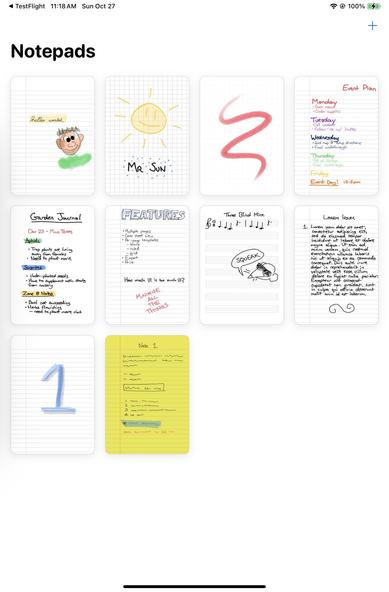
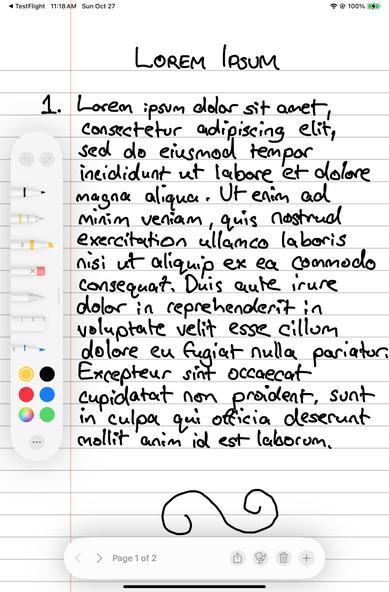
I don’t have to squint hard to see that maybe there’s value in iPhone supporting some kind of mini Apple Pencil. I don’t think I would ship this app on iPhone without a physical stylus, but I don’t rule it out completely
A lot of people asking for ‘dark mode’ on something that's meant to emulate a piece of paper 😅

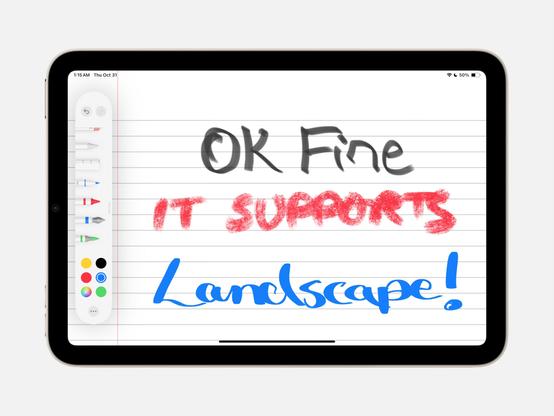
Two changes today to the notepad app: dark mode, and basic landscape support (to stop the weirdness caused by fixed screen orientations in iOS these days).

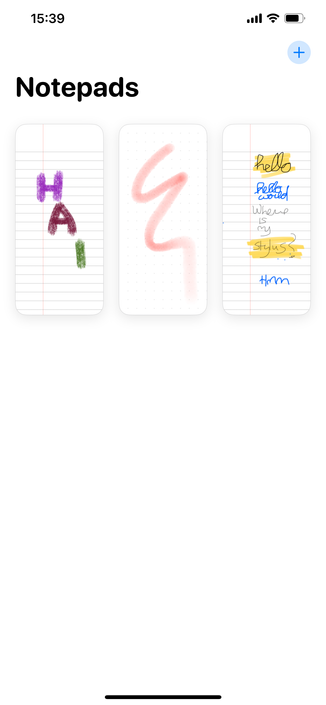
You can also longpress a notepad to send it as a file, if you want to e-mail it to me so I can put in my testing suite (👀)
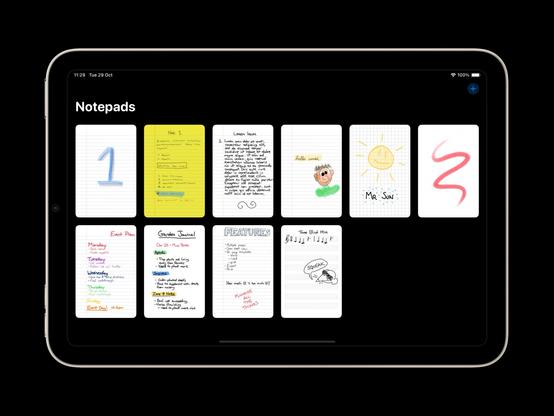
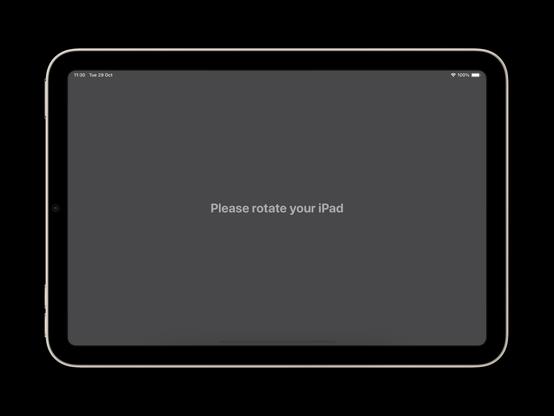
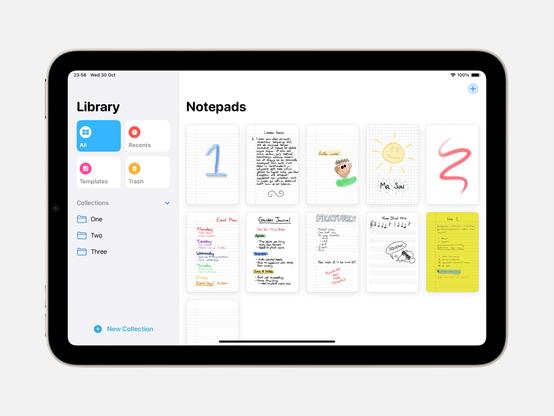
This is starting to look like an app 👌 I knew I added this sidebar class to my cross-app toolkit for a reason

You people are persistent.

@todd

*checks in on macOS build*

Yep, still compiles.

*goes back to working on iOS version*
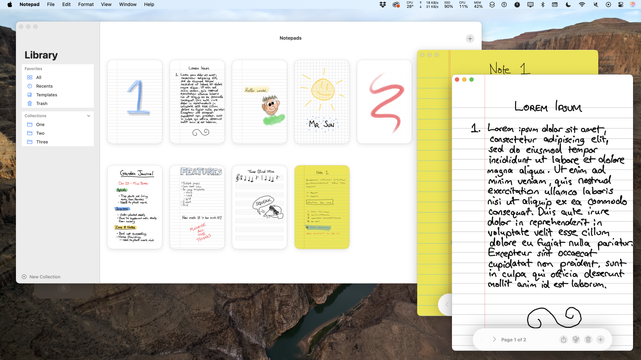
Re-upping the same build as before for TestFlight, just to give it another 90 days. Didn't mean to let it expire on the people who were using it!

This app remains 'merely' a concept validation test, nothing more to announce at this time
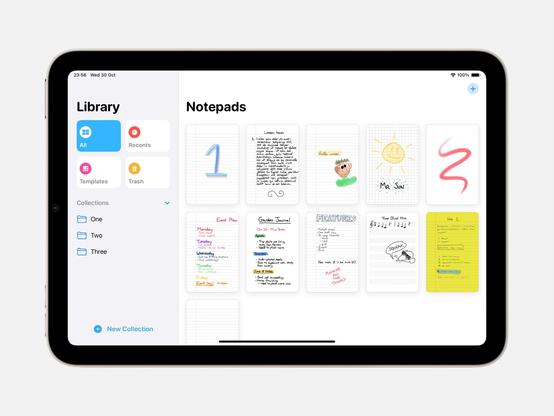
✈️ I didn't mention it earlier, but my Apple-Pencil-only notebook app, still just a concept validation test, has been updated for iPadOS 26 and is available through TestFlight. As it's an unreleased app and I don't want to get stuck developing two versions of the UI, I've also bumped the minimum requirements
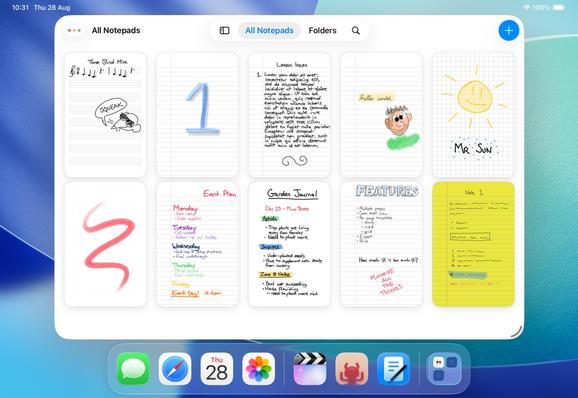
https://testflight.apple.com/join/3X47Abyd

@stroughtonsmith Steve, what's that pretty ant icon right there? 🐜👀
Scarlet App - App Store

Download Scarlet by Steven Troughton-Smith on the App Store. See screenshots, ratings and reviews, user tips, and more apps like Scarlet.

App Store

@stroughtonsmith aaaaw what a lovely app! Really good idea too!

(I think the trial option may not be available, which conflicts with what the description says. Just a heads-up <3)
@vito you're right, the description is behind. Another thing for my todo list