 Dean Amiridis
TIL...
You can disable “Suggestions When Sharing” on the iOS/iPadOS Share Sheet to remove the top row of suggestions.
TIL...
You can disable “Suggestions When Sharing” on the iOS/iPadOS Share Sheet to remove the top row of suggestions.
@emersunn This is what I did:
https://www.macrumors.com/how-to/remove-contacts-from-ios-share-sheet/
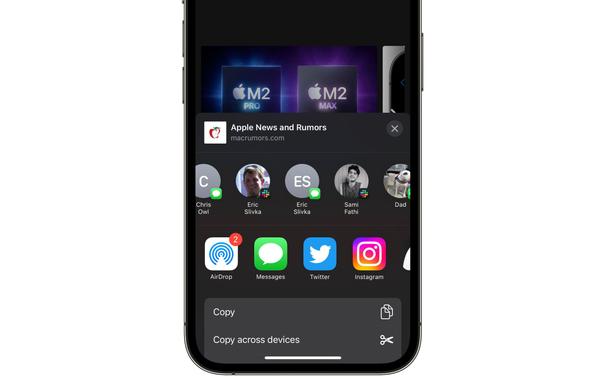
Does your iPhone keep displaying certain contacts whenever you go to share something in iOS, and you'd rather not see them? Keep reading to learn how to get rid of them. Whenever you go to share something on your iPhone or iPad using the Share button, iOS brings up the activity view – often called the Share Sheet – at the top of which is a row of suggested contacts with whom you've interacted recently.
 Paul Emerson