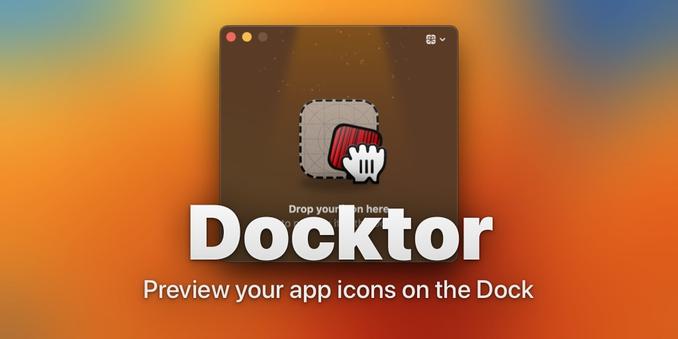
I’ve never made a Mac app. Within a few days using Codex I have 2. I didn’t open Xcode once. Free open source. Still a few bugs but I’m amazed.

Green button to maximise:
https://apotenza92.github.io/macsimize/

Do more things from dock icons:
https://apotenza92.github.io/docktor/

You can just build stuff.
@stroughtonsmith @siracusa @gruber @marcoarment @caseyliss @viticci

Download Macsimize

Download Macsimize for macOS. Macsimize turns the green window button into Maximize instead of Full Screen. It also overrides title-bar double-click to use the same maximize behavior. Use Maximize All and Restore All from the Macsimize menu bar icon for the windows in your current space.

@apotenza This might be tricky, but can you add (to Docktor) the ability to take different actions when clicking on a folder in the Dock?

Also, I'd love to see the source to these apps.

Also also, there's already an app called Docktor: https://docktor.site/

Docktor, for Mac

Preview app icons in the Dock

Docktor, for Mac
@siracusa That's a good idea will see what can be done. Oh no I didn't know about that app... Will have to rename to something else. All source code is on github, would love to know how awful it is considering it's all vibe coded.
- https://github.com/apotenza92/docktor
- https://github.com/apotenza92/macsimize
GitHub - apotenza92/docktor: Customize Dock icon click, double-click, and scroll actions on macOS. By default, double clicking a Dock icon opens App Exposé to show all open windows for that app.

Customize Dock icon click, double-click, and scroll actions on macOS. By default, double clicking a Dock icon opens App Exposé to show all open windows for that app. - apotenza92/docktor

GitHub
@apotenza A brief glance and I can see that the code generators are still a bit behind the times when it comes to “modern” SwiftUI. (But then, so are my apps that were written many years ago…)