 Andrew
honestly starting to wonder if liquid glass was the fake idea the designers threw in to "force" management to pick their bold but good vision for the future of apple's OSes
Incidentally, the "reduce transparency" accessibility option is very good

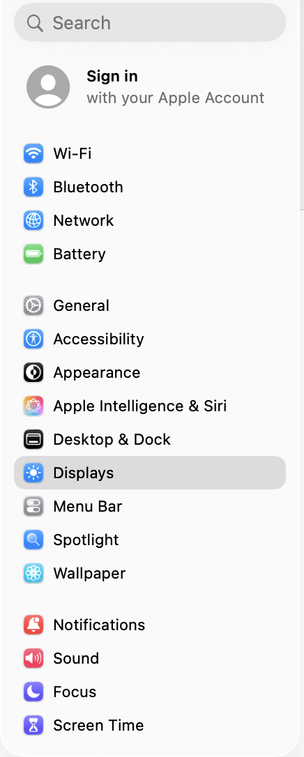
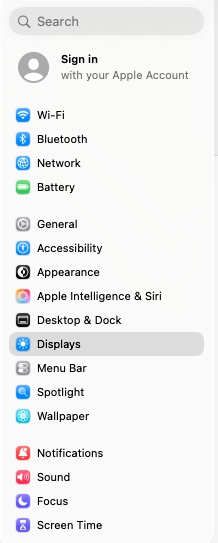
Image 1 is how the settings app looks on my main screen. Image 2 is how it looks on the external monitor. Scaling is Not Allowed, so lowering the resolution makes the text larger, but crunchier, and no clearer. I am at a goddamn loss as to how these are considered luxury computers. Give me Gnome!
 kerio
kerio@kerio No idea!
In the "advanced" box is a toggle for "show resolutions as list" and the in-built screen can show me a list of resolutions *or* a list of scales to be applied at maximum resolution depending on which I pick. But the external screen seems to show the list of resolutions whichever option I pick, so the only way I've found to get it to do scaling is to mirror the in-built screen to it and scale that. Of course, the screens are different native resolutions and also different aspect ratios, and one has a silly notch, so it's a fudge and I've decided to just live with it and zoom in on VSCode
@kerio but it does have fractional scaling, I've used it, the in built screen has like five different scaling options and all of them are crisp as you'd like! but I guess it knows the main screen is regular dpi and refuses to apply the same logic?
@andrewt that's just lower effective resolutions at 2x scaling, they're not fractionally crisp
@kerio oh, so they are! they look pretty good but I guess that's just because the blur is pretty small on the high DPI screen
I fully do not understand this OS
@kerio a thing I especially like* is that when the low-dpi window has focus, the menu bar on the high-dpi screen is blurry
how does this even happen
___
*no