 Tomáš
Tomáš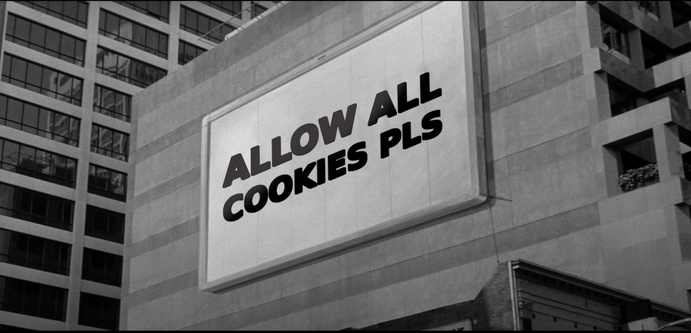
 Thom Zane
@prahou Everyone in this thread is likely interested in not seeing cookie banners to begin with. You can with uBlock Origin browser extension. https://github.com/gorhill/uBlock Install the addon, click on the icon, click on the gear, go to the Filter lists tab, click on the checkbox next to all of the four cookie notices lists, click on the Apply changes button, and close the settings tab. If you do not see the confusing questions and do not give consent, you will only receive essential cookies.
 chri�
chri�@thomzane @prahou Although ublock is generally a good choice, it is not great at selecting different rules lists per site. Without tons of hassle, it's either completely on or off.
✨So, this might be the reason why blocking cookie banners is disabled by default✨
If users more often need to disable adblock completely for a given site because functionality is jammed by the cookie handling, nothing is won.
I recommend using the feature of the browser to delete cookies on close and use another addon like Consent-O-Matic so one can handle cookie banners and ad blocking seperately.