How to Block the ‘Upgrade to Tahoe’ Alerts and System Settings Indicator

Link to: https://robservatory.com/block-the-upgrade-to-tahoe-alerts-and-system-settings-indicator/

Daring Fireball

@daringfireball I use it too. Such a relief!

This situation is so bad, i'll include it in my little Blog-Series: https://seiz.it/apple/appleexecutiverelations/

#AppleExecutiveRelations

zıəs uɐɟəʇs

wherever particular people congregate

zıəs uɐɟəʇs
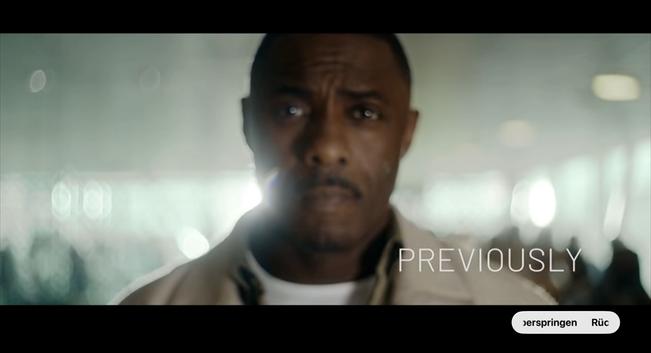
@seiz @daringfireball Recaps are good.
Auto-played trailers when you intend to watch something are not.
@danielmunoz each to it's own, but if i watch a couple of episodes in a row, i certainly do not need a recap, as i have just seen it anyway.
@seiz In a row I don’t need it neither.
Yes a few days later.
The point this that one thing are convenient, the other is an inconvenience.
Helping Apple to bring back the joy

If you watch closely, you'll realize some of the biggest fans are slowly losing their interest in Apple. For various reasons. I am one of them and I'd like to focus on the product side with this mini

zıəs uɐɟəʇs
@seiz I don’t agree. It is just a click to skip.
However, having to skip also a trailer is too much.

@seiz Maybe a compromise would be to momentarily display a button that could send you to the recap.

Or not to display a recap is you are watch several episodes in a row; and to display it otherwise.

@danielmunoz my Solution works by distinguishing how an Episode was started, by a a klick on “Next Episode” at the end of an Episode or by starting an Episode Right from the Apple TV app’s Episode List. I corrected the Link in my prev. answer, so it should bring you directly to the relevant Text at the end of my Post.