Steve Troughton-Smith
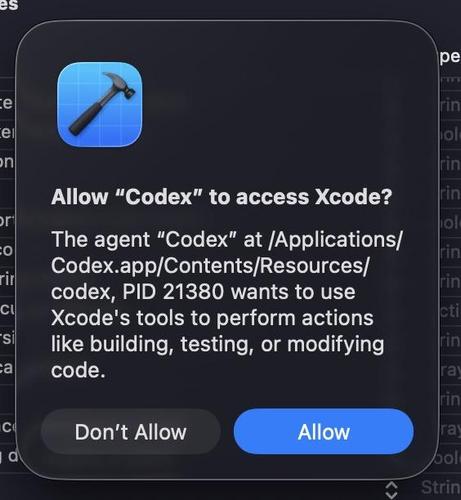
Xcode's MCP is just impossible to use, since every command you run in the Codex app pops up a 'do you want to allow this connection' dialog in Xcode, and pauses the debugged app. I know Apple can't actually use the consumer version of any of this stuff internally, because of the security risks, and you can really feel that by how it behaves
 erin sparling
@stroughtonsmith Edit: "failing to" repay you for all of the years of defaults: https://gist.github.com/everyplace/0a1e2637261325ea1d47447f4085bf37#file-disable-xcode-s-permissions-checks-md
defaults write com.apple.dt.Xcode IDEChatAgenticChatSkipPermissions -bool YES
Edited: Gist updated to indicate this is from Xcode to external MCP servers, and not the other way around.